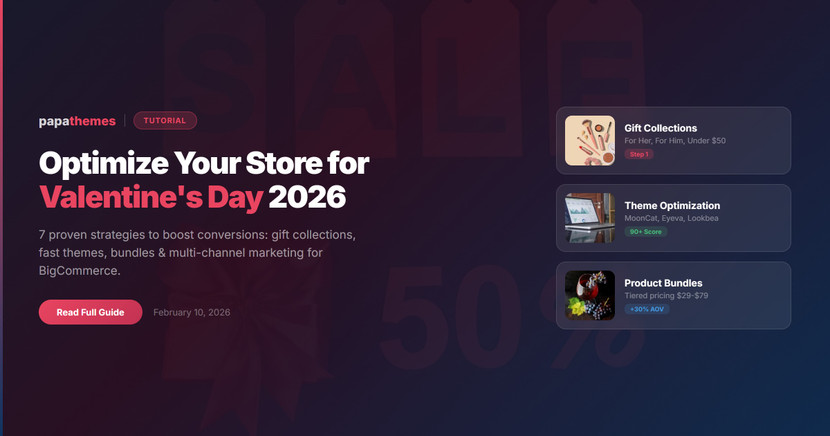
How to Optimize Your BigCommerce Store for Valentine's Day 2026
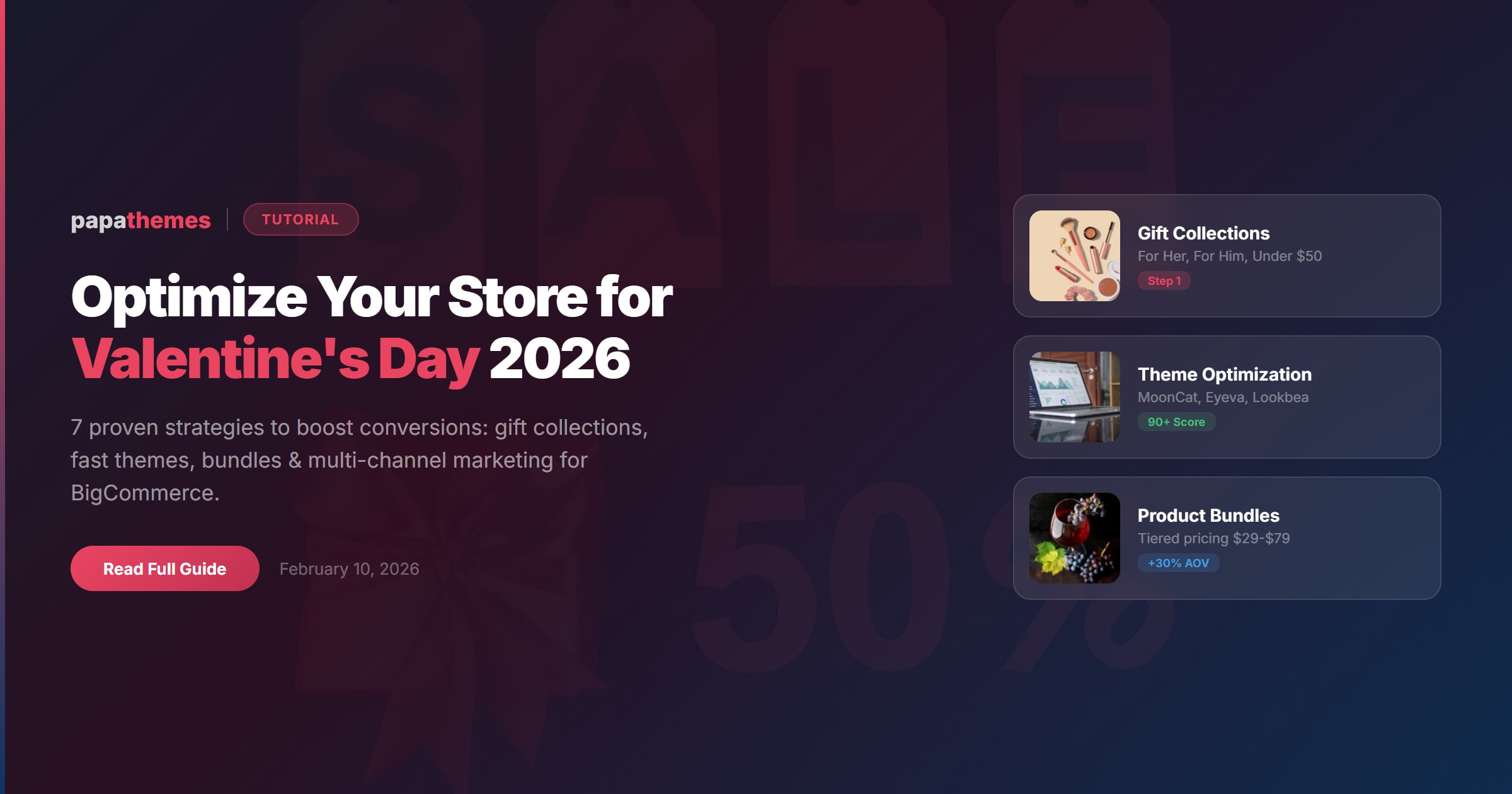
Valentine's Day 2026 falls on a Saturday, giving shoppers an entire weekend to browse, discover, and buy. With over twenty-seven billion dollars expected in Valentine's spending this year, your BigCommerce store needs to be ready to capture its share. But are your product pages, navigation, and checkout optimized for the seasonal rush?
In this step-by-step guide, you will learn exactly how to transform your BigCommerce store into a Valentine's Day sales machine, from curating gift collections to speeding up your mobile checkout. Whether you sell beauty products, fashion, home decor, or gourmet treats, these strategies apply to every niche.
Why Valentine's Day Matters for Online Stores
Valentine's Day is the second-largest gifting holiday in the United States and continues to grow globally. Key trends shaping 2026 include:
- Beyond romance: Thirty-two percent of shoppers now buy gifts for friends, nineteen percent for coworkers, and pet gifts are surging. Galentine's Day and self-love purchases are mainstream.
- Budget-conscious buyers: One in four consumers plans to spend less than last year, making value-driven bundles and curated collections essential.
- Saturday advantage: With Valentine's Day landing on a weekend, shoppers have more time to browse. This means higher traffic, longer sessions, and bigger carts.
- Global reach: Valentine's Day drives spending across the US, UK, Europe, Australia, and parts of the Middle East. Multi-currency and localized experiences matter.
The bottom line? Stores that prepare early and optimize their shopping experience will capture the most revenue.
Step 1: Create Dedicated Valentine's Day Gift Collections
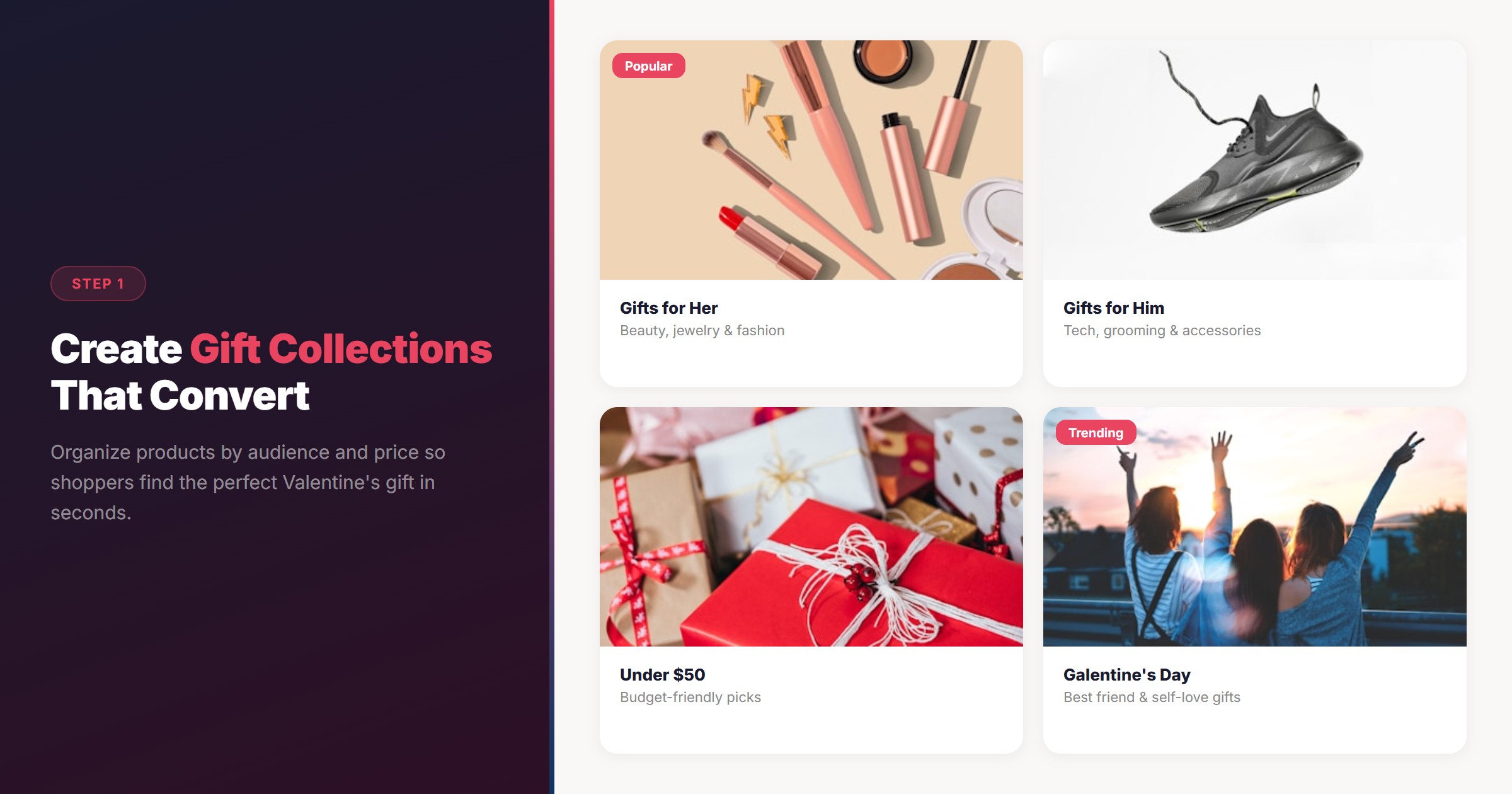
The fastest way to boost conversions is reducing decision fatigue. Create clearly organized gift categories that help shoppers find the perfect present in seconds.
How to Set Up Gift Collections in BigCommerce
- Create new categories in your BigCommerce admin: "Valentine's Gifts for Her," "Valentine's Gifts for Him," "Gifts Under $50," and "Galentine's Day Picks."
- Assign products to these categories based on price, type, and audience.
- Use PapaThemes Widgets to display these collections prominently on your homepage with drag-and-drop product feed widgets. No coding required.
- Add a seasonal banner linking to your Valentine's landing page. Most PapaThemes themes support custom banner sections in the Theme Editor.
Pro Tip: Use Smart Search for Gift Discovery
Shoppers searching for "gift for girlfriend" or "Valentine's present" need relevant results immediately. PapaSearch, the AI-powered semantic search app for BigCommerce, understands intent-based queries and returns relevant products even when exact keywords do not match your product titles.
With PapaSearch, you can:
- Enable keyword suggestions like "Valentine's gift set" or "romantic candle"
- Track popular search terms through the analytics dashboard
- Surface trending products based on real-time search behavior
This turns your store search from a basic filter into a personalized shopping assistant.
Step 2: Optimize Your Theme for Seasonal Conversions
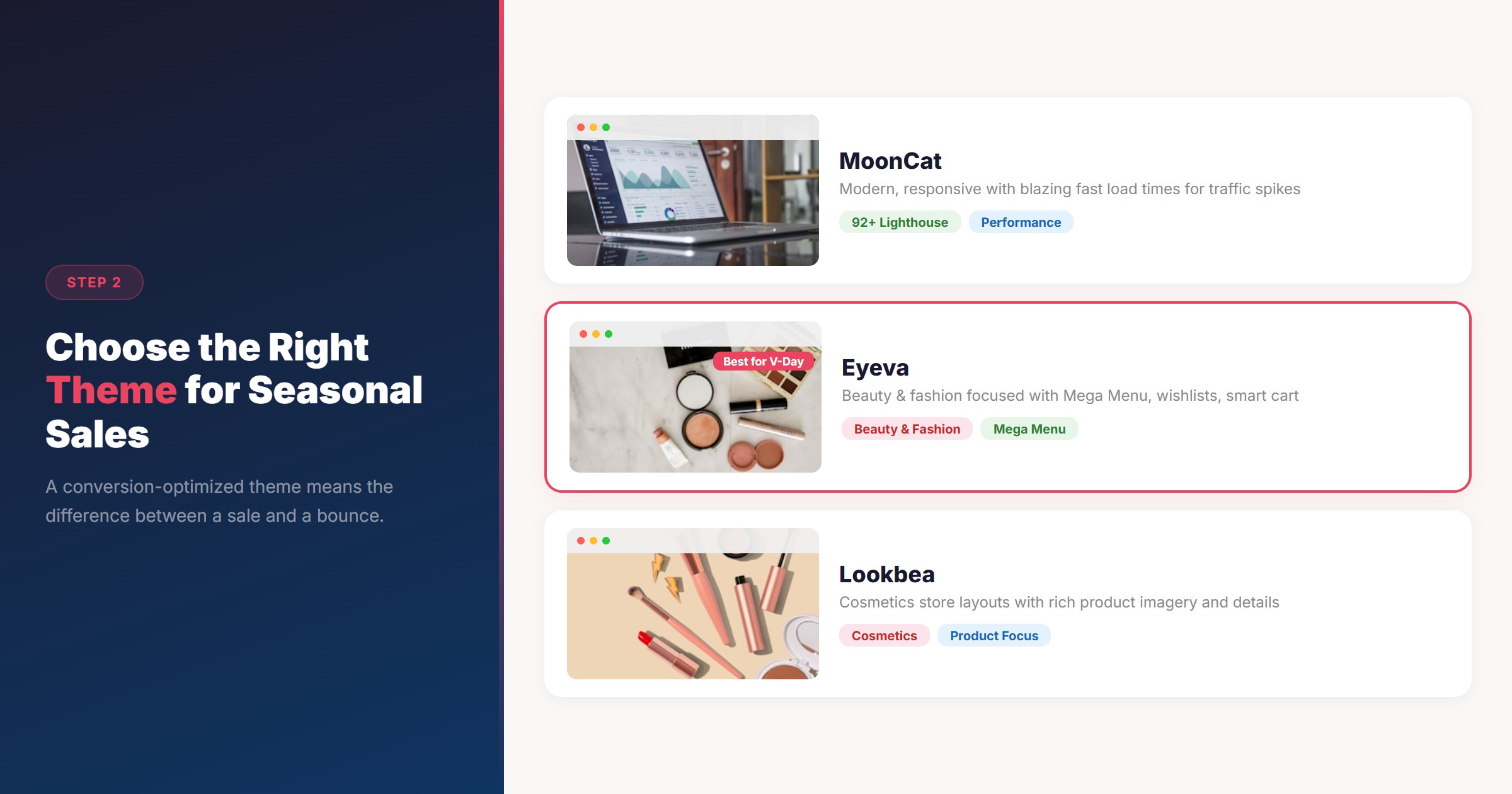
Your store theme is the first impression shoppers get. A conversion-optimized theme can mean the difference between a sale and a bounce.
Choose the Right Theme for Your Niche
PapaThemes offers over forty-four BigCommerce Stencil themes designed for performance and conversions. For Valentine's Day, consider:
- Eyeva - Perfect for beauty, fashion, and accessories stores. Features a drag-and-drop Mega Menu Builder, wishlist functionality without login, and smart cart suggestions that increase average order value.
- MoonCat - A modern, responsive theme with Google Lighthouse 90+ scores. Its fast load times are critical during high-traffic seasonal events.
- Lookbea - Built specifically for beauty and cosmetics, with layouts designed to showcase product imagery and ingredient details.
Quick Theme Customizations for Valentine's Day
You do not need to redesign your entire store. Small, targeted changes create a seasonal feel:
- Update your hero banner with Valentine's Day imagery and a clear call-to-action linking to your gift collections.
- Change accent colors to incorporate reds, pinks, or warm tones through the Theme Editor. PapaThemes themes let you adjust colors without touching code.
- Enable countdown timers for Valentine's Day shipping deadlines. Create urgency with "Order by February 12 for guaranteed delivery."
- Add a promotional bar at the top of your site advertising free shipping or bundle deals.
Step 3: Build High-Converting Product Bundles
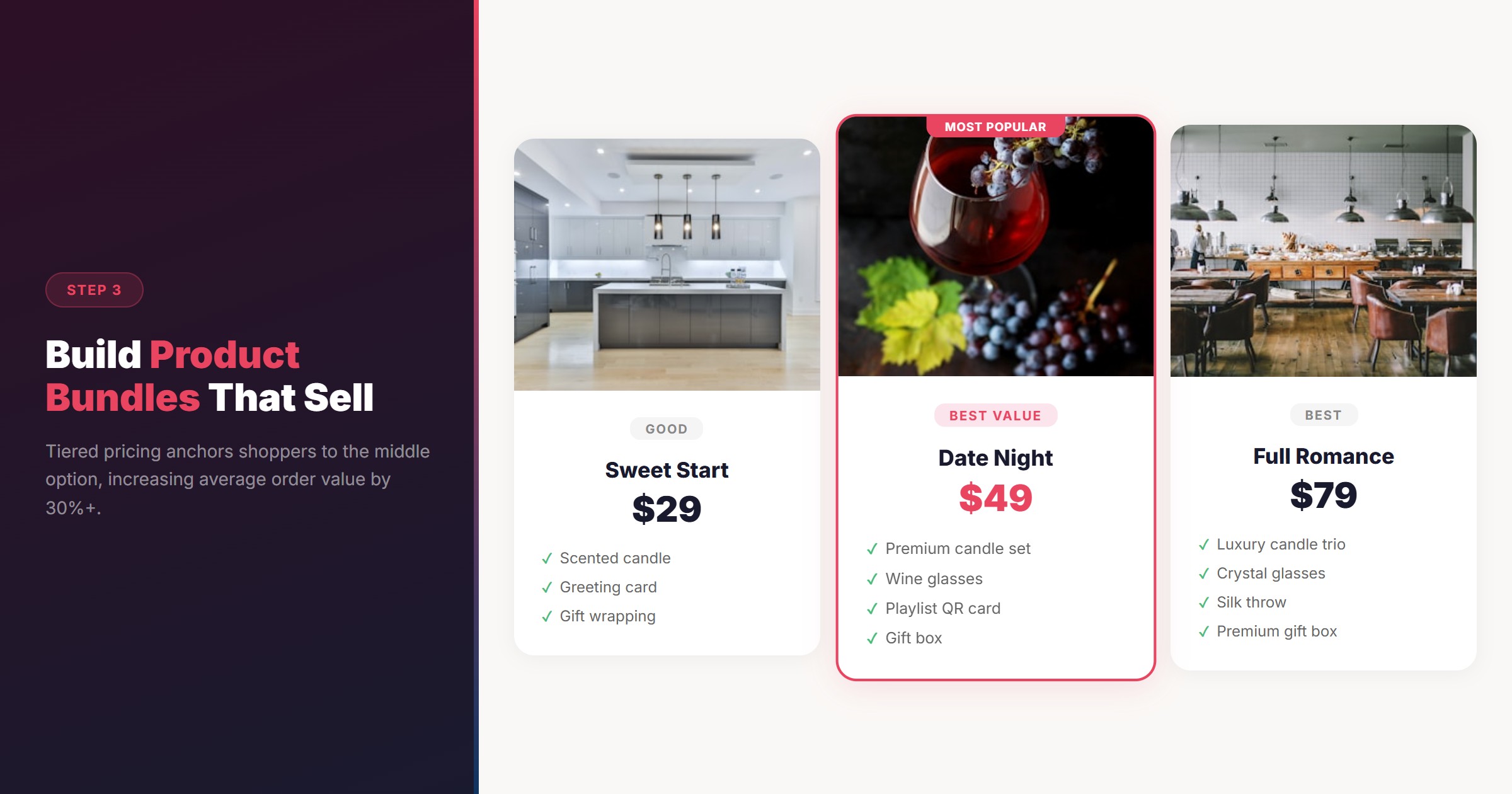
Bundles are the secret weapon for Valentine's Day. They increase average order value while making gift selection easier for indecisive shoppers.
Bundle Strategy That Works
- Curated gift sets: Combine two to four complementary products at a slight discount. Example: "Date Night Bundle" with candle, wine glasses, and a playlist card.
- Tiered pricing: Offer "Good," "Better," and "Best" bundles at three price points ($29, $49, $79). This anchors shoppers to the middle option.
- Add-on suggestions: Use smart cart drawers (available in Eyeva and MoonCat themes) to suggest gift wrapping, greeting cards, or chocolates at checkout.
Display Bundles Effectively
Use the PapaThemes Widgets app to create a dedicated "Valentine's Bundles" section on your homepage. The free Products Feed widget lets you:
- Display products by category or custom selection
- Organize layouts as grids, carousels, or featured spotlights
- Update content without editing theme files
Step 4: Speed Up Your Mobile Experience
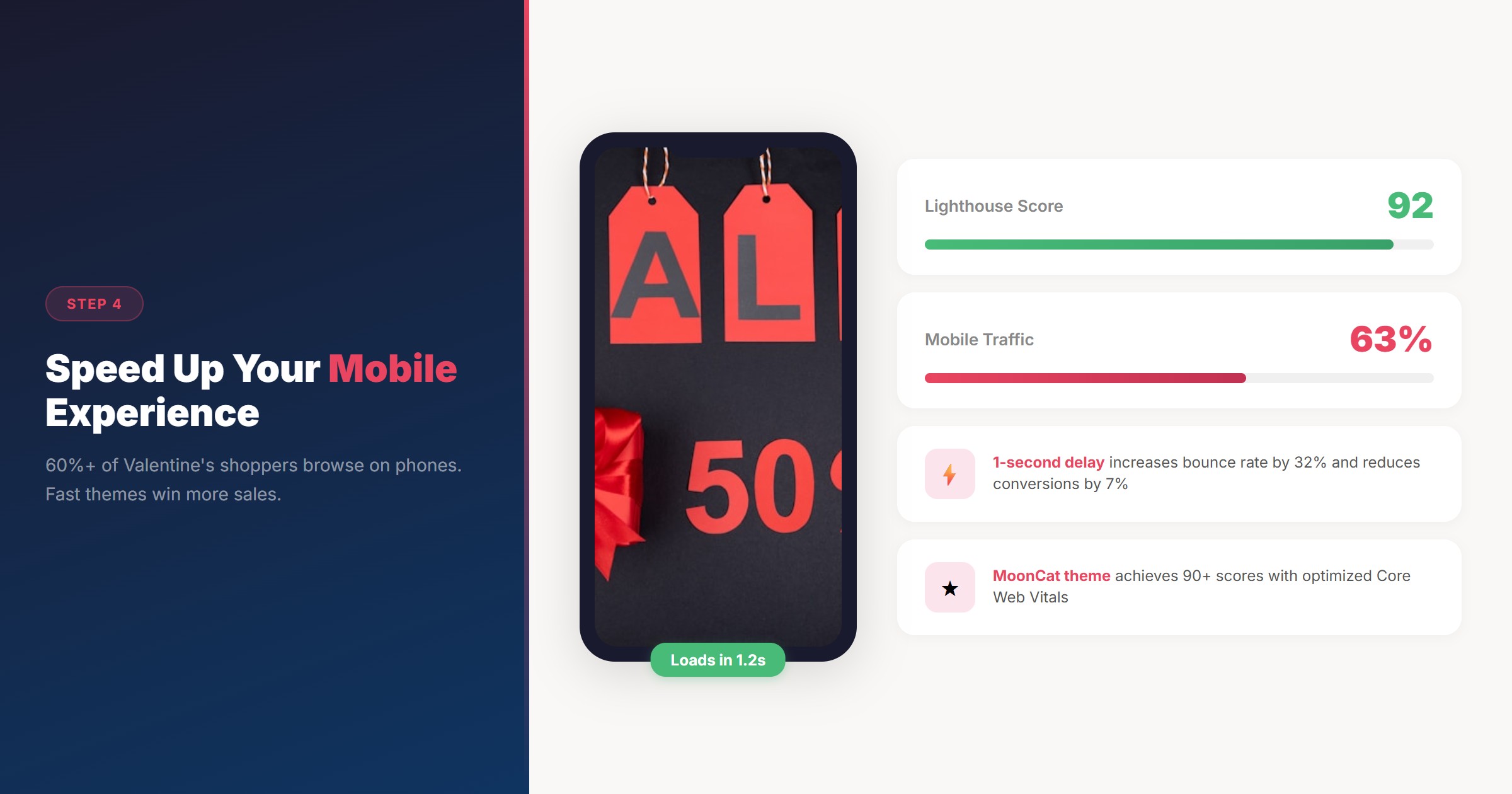
Over sixty percent of Valentine's Day browsing happens on mobile devices. A slow mobile experience means lost sales.
Performance Checklist
- Test your Core Web Vitals using Google PageSpeed Insights. Target scores above 90 for mobile.
- Optimize images by compressing product photos to under 200KB each. Use WebP format where supported.
- Enable lazy loading for images below the fold. Most PapaThemes themes handle this automatically.
- Minimize redirects and remove unnecessary third-party scripts that slow down page load.
Why Theme Choice Matters for Speed
Themes built with performance in mind, like MoonCat, consistently achieve Google Lighthouse scores above ninety. This directly impacts:
- Search rankings: Google uses Core Web Vitals as a ranking factor
- Bounce rate: A one-second delay in page load increases bounce rate by thirty-two percent
- Conversion rate: Faster pages convert more visitors into buyers
Step 5: Set Up Multi-Channel Marketing Touchpoints
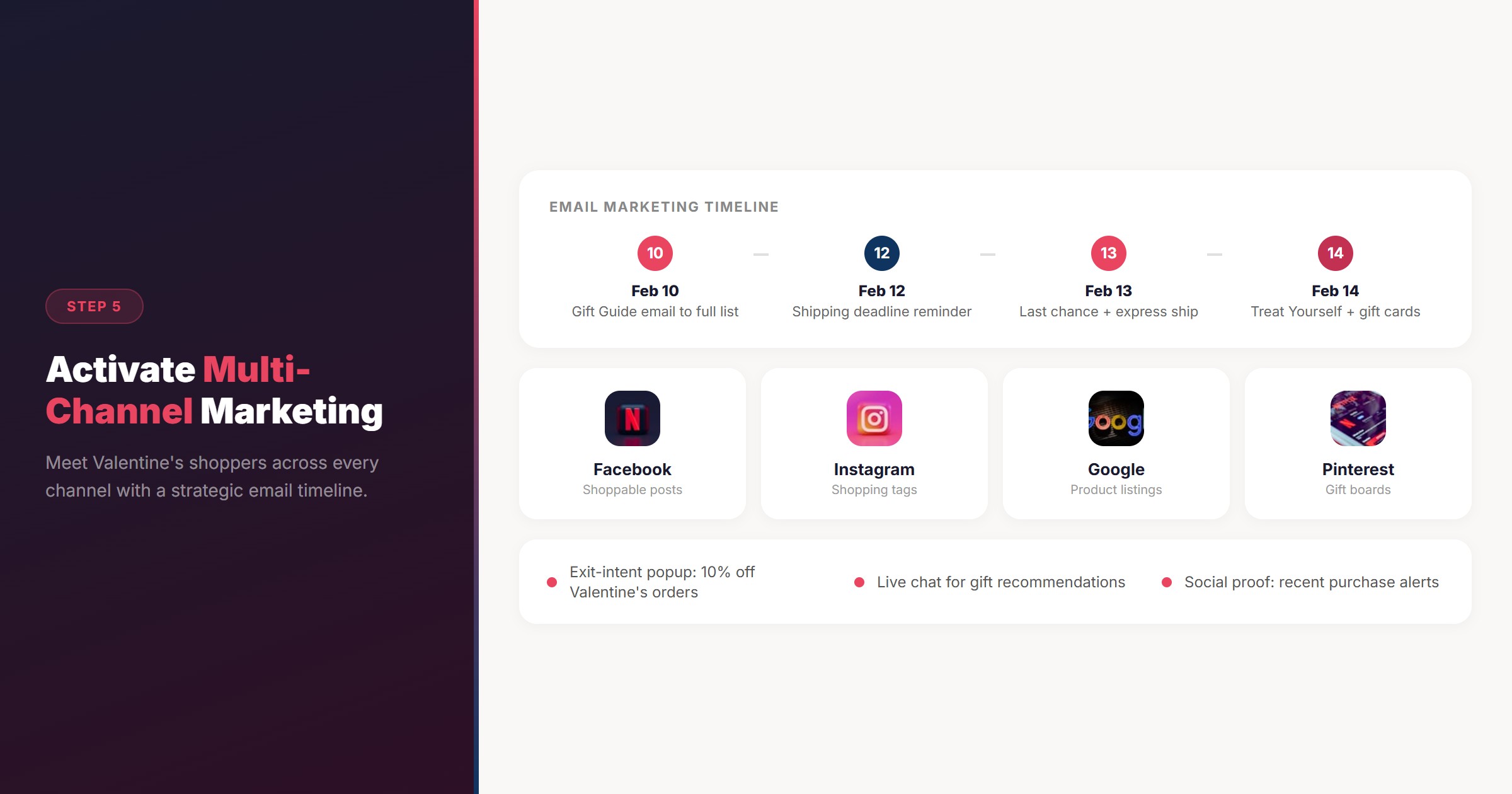
Valentine's Day shoppers are everywhere. Your store needs to meet them across channels.
Email Marketing Timeline
- February 10 (today): Send a "Valentine's Gift Guide" email featuring your curated collections
- February 12: Follow up with "Last Chance for Guaranteed Delivery" and free shipping thresholds
- February 13: Final push email with "Still Searching? Our Top Picks" and express shipping option
- February 14: "Treat Yourself" campaign targeting self-purchasers and late digital gift card buyers
Social Commerce Integration
Ensure your BigCommerce store is connected to:
- Facebook and Instagram Shopping for shoppable product posts
- Google Shopping feed for product listing ads
- Pinterest for gift inspiration boards that link directly to your product pages
On-Site Conversion Boosters
- Exit-intent popups offering ten percent off for Valentine's Day orders
- Live chat or chatbot support for gift recommendation questions
- Social proof notifications showing recent purchases ("Sarah in Austin just bought the Date Night Bundle")
Step 6: Prepare for International Customers
Valentine's Day is a global event. If your store serves multiple markets, these optimizations matter:
Multi-Currency Support
BigCommerce supports multi-currency natively. Ensure you have enabled:
- USD for North America
- GBP for the UK
- EUR for Europe
- AUD for Australia
PapaThemes themes display currency selectors prominently so international shoppers see local pricing immediately.
Localization Tips
- Shipping deadlines vary by region. Clearly display cutoff dates for each shipping zone.
- Gift preferences differ. UK and Australian shoppers lean toward experiences and beauty products, while US shoppers favor traditional gifts.
- GDPR compliance. If you serve European customers, ensure your cookie consent and data collection meet GDPR requirements. PapaThemes themes support GDPR-compliant cookie banners.
Step 7: Monitor, Analyze, and Adapt in Real Time
Valentine's Day is a sprint. Monitor these metrics daily from February 10 through 15:
- Conversion rate by traffic source (email, social, organic, paid)
- Cart abandonment rate and where shoppers drop off
- Search queries in PapaSearch analytics to discover what shoppers want but cannot find
- Page load speed during traffic spikes using BigCommerce analytics or Google Analytics
If you notice high search volume for a product you do not carry, consider creating a "Coming Soon" page or redirecting to similar items.
Conclusion: Start Today, Sell More on Valentine's Day
Valentine's Day 2026 is four days away. The good news is that these optimizations can be implemented quickly:
- Set up gift collections with clear categories and PapaThemes Widgets
- Optimize your theme with seasonal banners and accent colors
- Create bundles that reduce decision fatigue and increase order value
- Speed up mobile with a performance-focused theme like MoonCat
- Activate multi-channel marketing with email sequences and social commerce
- Go global with multi-currency and localized shipping information
- Monitor and adapt using analytics and search data
Ready to give your store a Valentine's Day makeover? Browse PapaThemes' collection of 44+ BigCommerce themes to find the perfect foundation for your seasonal campaign. Every theme includes lifetime updates, responsive design, and the conversion-optimized layouts your store needs.
Watch the Video Summary
Prefer a visual walkthrough? Watch our 60-second video covering all 7 strategies:
Video: 7 Strategies to Optimize Your BigCommerce Store for Valentine's Day 2026
FAQ
How far in advance should I prepare my store for Valentine's Day?
Ideally, start two to three weeks before February 14. However, quick wins like gift collections, banner updates, and email campaigns can be set up in one to two days. The strategies in this guide can be implemented immediately.
Do I need a new BigCommerce theme for Valentine's Day?
No. Most PapaThemes themes include Theme Editor customization options that let you change colors, banners, and layouts without switching themes. However, if your current theme is slow or outdated, upgrading to a performance-optimized theme like MoonCat or Eyeva will boost both seasonal and year-round conversions.
What are the best product categories for Valentine's Day sales?
Beauty and fragrance, chocolate and gourmet food, personalized gifts, jewelry under one hundred dollars, and experience-based gifts are the top categories. Bundle deals and gift sets also perform exceptionally well.
How can I serve international Valentine's Day shoppers?
Enable multi-currency in BigCommerce, display shipping deadlines by region, and use GDPR-compliant cookie banners for European customers. PapaThemes themes support multi-currency selectors and localization features out of the box.
Does site speed really affect Valentine's Day sales?
Absolutely. A one-second delay in page load can reduce conversions by up to seven percent. During high-traffic events like Valentine's Day, performance becomes even more critical. Choose a theme with Google Lighthouse scores above 90 and optimize your images for fast loading.