


Product 3D & AR for BigCommerce: 3D Viewer + AR
New app from PapaThemes
Show your products in 3D, right on the product page
Shoppers turn and zoom the product in the gallery, then place it in their own room with AR. Upload a 3D file, pick the product, publish. No theme code.
Get the app on BigCommerce →
Photos show a product from a few fixed angles. For furniture, lighting, equipment and parts, that is often not enough: shoppers want to see the back, the legs, the mount, and how big it really is. Product 3D & AR adds an interac
…
20th Nov 2026
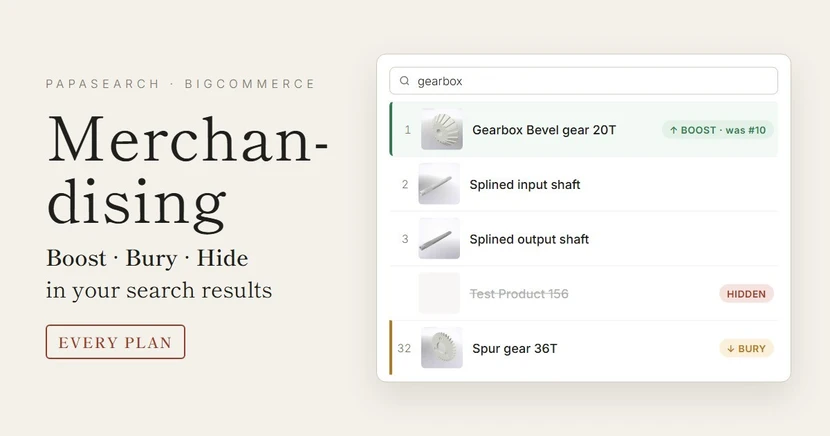
PapaSearch Merchandising: Boost, Bury or Hide Products in BigCommerce Search
Your search results decide what shoppers see first. Until now, that order was entirely up to relevance. With Merchandising in PapaSearch 1.11, you decide: boost, bury or hide products for any search keyword or category page on your BigCommerce store.
What's New in PapaSearch 1.11
The Problem: Relevance Alone Is Not Your Strategy
A search engine ranks products by how well they match the words a shopper typed. That is a good default, but it does not know that a product is this season's best selle
…
7th Oct 2026
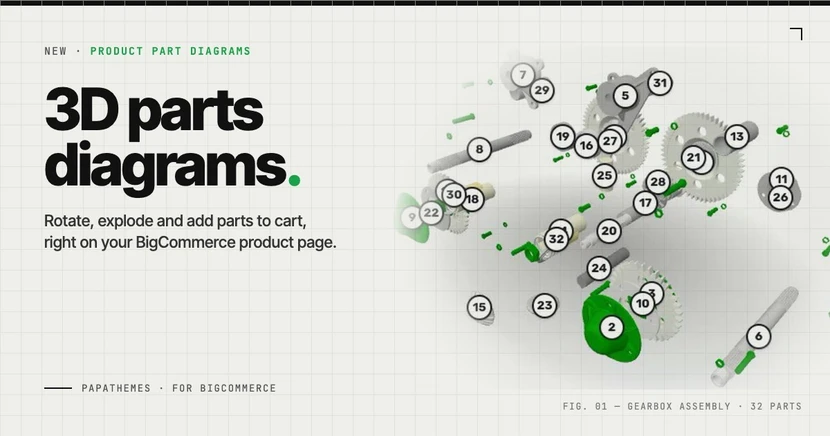
Introducing 3D Parts Diagrams for BigCommerce: Rotate, Explode, Add to Cart
New in Product Part Diagrams
Interactive 3D Parts Diagrams for BigCommerce
Upload your product's 3D model. Shoppers rotate it, pull it apart, click a part and add it to the cart, right on the product page. No theme code.
Get the app on BigCommerce →
Product Part Diagrams has always turned flat exploded-view drawings into clickable parts catalogs. Today it goes one dimension further. With 3D diagrams, you upload your product's 3D model and shoppers can spin it, zoom in, pull the assemb
…
4th Oct 2026
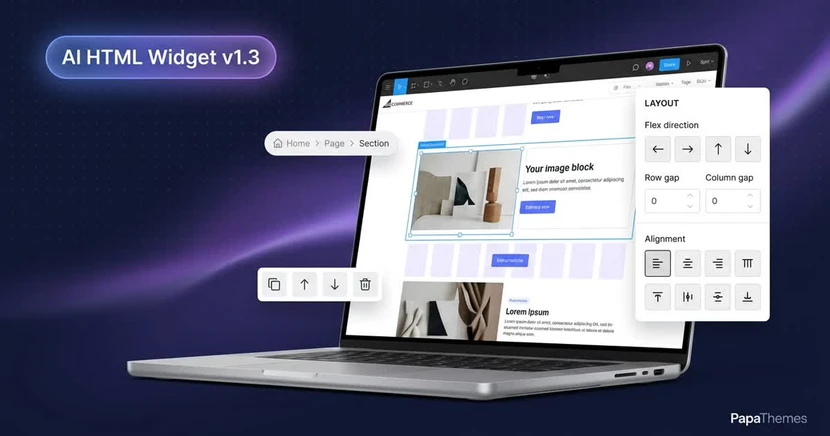
AI HTML Widget v1.3: Flex & Grid Layout Control + Structural Editing
What's New in v1.3
v1.2 gave you a visual editor for colors, spacing, and typography. v1.3 adds what was missing: real layout controls for flex and grid, structural editing on the canvas, and automatic saving.
Click to Edit — No Mode Switch
Click any element; its Design panel opens right away.
Click any element in your section and its Design panel opens immediately — no Design Mode toggle first. Links and buttons still work normally.
Structural Actions on the Canvas
Duplicate, reorder, or
…
5th Jun 2026
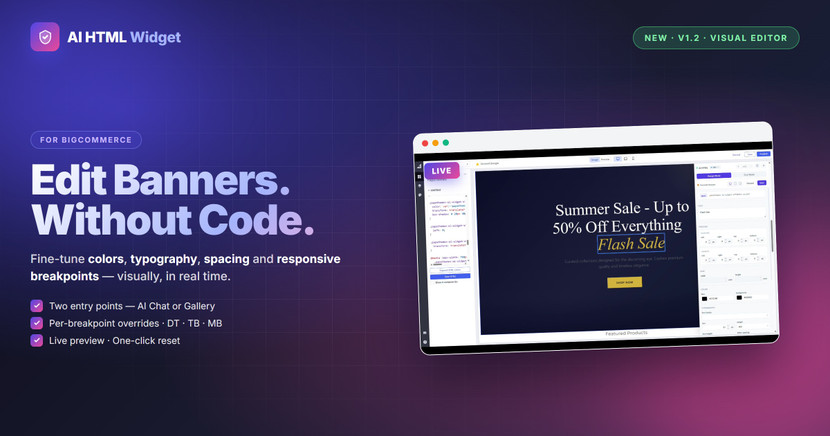
Edit BigCommerce Banners Without Code — Introducing the Visual Editor
What's New in AI HTML Widget v1.2
Edit any banner without touching code. With today's release, the AI HTML Widget ships a brand-new Visual Editor — fine-tune every banner you create (or already have) with a real visual surface, right inside BigCommerce Page Builder.
The Problem: Fine-Tuning Banners Used to Mean Code
You generated a beautiful banner with AI. The hero looks great. But your brand uses a different indigo, the padding feels too tight on mobile, and the CTA button needs
…
27th May 2026