Claude Opus 4.7 Comes to PapaThemes AI Widgets — What BigCommerce Merchants Get Today
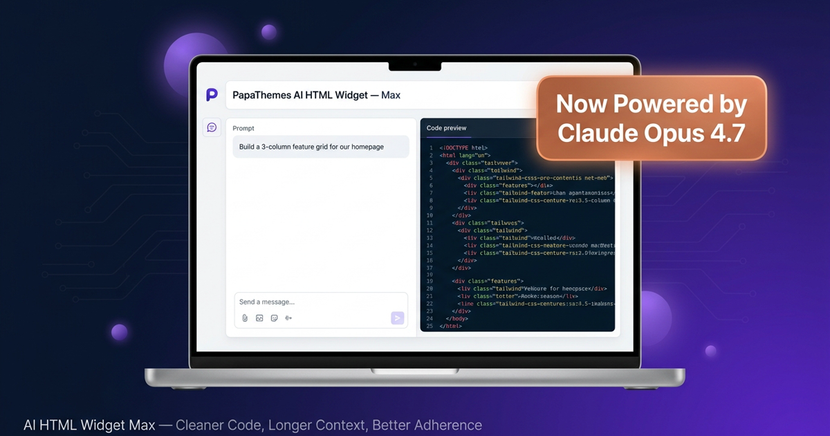
AI HTML Widget Max — Now on Claude Opus 4.7
Build Smarter Sections, Faster — Powered by Anthropic's Best Model
The Max tier just got a free upgrade — cleaner code, longer context, and better instruction adherence on every prompt.
Try AI Widget Max →PapaThemes AI HTML Widget is now powered by Claude Opus 4.7 on the Max tier. Starting today, every prompt you send through Max routes to Anthropic's newest flagship model — the same one Anthropic has positioned as their most capable model for code generation, complex instruction following, and long-context tasks. There is no setting to flip, no plan change, and no price increase. If you are already on the Max tier, your next "build me a hero section" prompt will run on Opus 4.7.
This post walks through what Opus 4.7 actually changes for BigCommerce merchants using AI HTML Widget Max — how the output looks different on the same prompts you are already running, where the longer context shows up in real workflows, and what stays exactly the same (your credits, your pricing, your dashboard).
What is Claude Opus 4.7
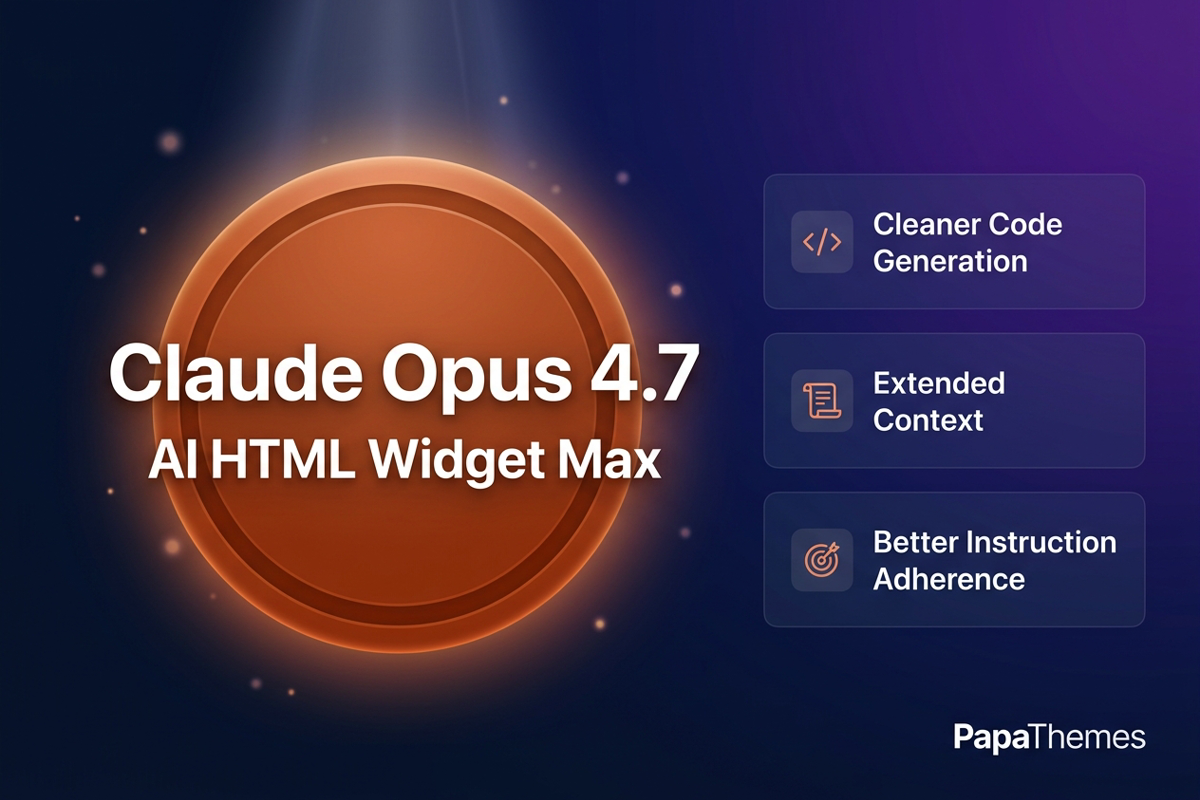
Claude Opus 4.7 is the latest generation of Anthropic's flagship Opus model line. For an AI section builder like AI HTML Widget, three of its improvements matter the most:
- Improved code generation — Opus 4.7 produces cleaner, more complete code on the first try. It is better at structuring components, naming variables sensibly, wiring up Tailwind utility classes correctly, and finishing what it starts (no half-built sections that need a follow-up "please complete this" prompt).
- Extended context handling — the model can hold much more of your prompt and reference material in working memory at once. In practice that means you can describe your brand, paste in a longer product list, attach a copy block, and ask for a full section in a single shot — without the model losing track of what you said in the first paragraph by the time it gets to the markup.
- Better instruction adherence — Opus 4.7 follows specific instructions more reliably. If you say "two CTAs side by side, no third button," it ships two CTAs, not three. If you say "use the brand purple for the primary, slate gray for the secondary," that is what comes back. The model is better at separating "what you said" from "what it usually does."
These are not abstract benchmark wins — they are the exact three areas that determine whether a generated section drops straight into your BigCommerce store or needs a round of cleanup first. AI HTML Widget Max is plugged directly into the upgraded model, so every benefit flows to your prompts automatically.
What Changes for AI HTML Widget Max Users
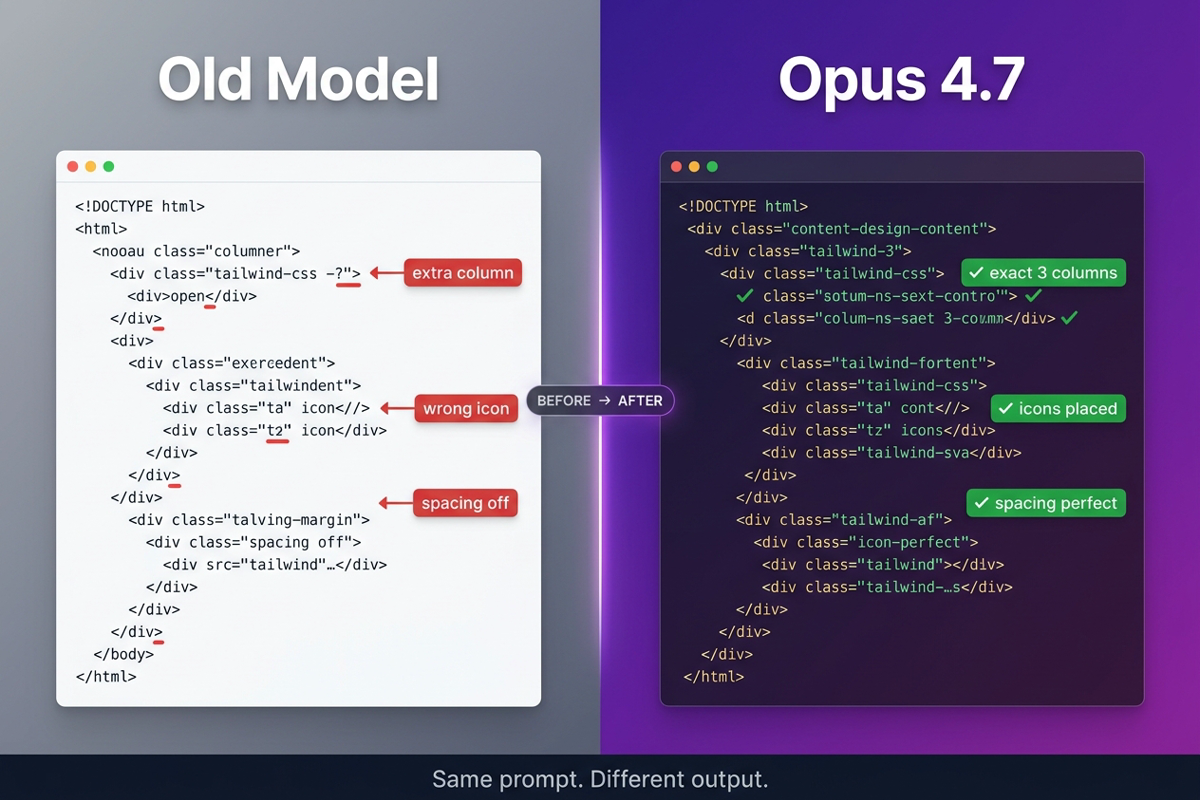
The most visible difference is the quality of the first generation. With Opus 4.7, prompts that used to need a second iteration ("can you add the trust badges I asked for?", "the buttons are not aligned, please fix") tend to come back complete on the first run. That saves credits, saves time, and makes the experience feel a lot more like working with a senior front-end engineer than steering a junior intern.
The second difference is how much you can pack into a single prompt. Before, longer prompts — the kind where you paste in a full design brief, brand guidelines, three product blurbs, and a CTA copy block — could nudge the model toward shortcuts as it tried to fit everything. With Opus 4.7's extended context, you can feed the model a much fuller spec up front and trust that the details from the top of the prompt are still being honored at the bottom of the markup. Brand-heavy stores, multi-product features, and long testimonial sections benefit the most.
The third difference is respect for constraints. If your prompt says "no inline styles, use Tailwind only," Opus 4.7 honors it. If you say "no links — this is a static feature block," it skips the links. The model is better at hearing you out and writing what you actually asked for.
What does not change: your prompt format, your dashboard, your library of saved widgets, and your credit balance. Everything you already use stays exactly where it was. The model swap is invisible from a workflow standpoint — it just shows up in the quality of what comes back.
Side-by-Side: A Real BigCommerce Section Prompt
Here is a prompt many BigCommerce merchants run regularly:
Build a 3-column feature grid for our homepage. Each column has an icon, a one-line headline, and a two-line description. Headlines: "Free shipping over fifty dollars," "30-day returns," "24/7 support." Use clean modern styling with generous spacing. No inline styles — use Tailwind classes only.
On the previous model, that prompt typically produced solid markup, but you would often see one or two corrections needed: an extra column with placeholder content, headlines that drifted slightly from the wording you specified, or icons rendered as emoji instead of SVGs.
On Opus 4.7, the same prompt comes back tighter. Three columns — exactly three. Headlines match word for word. Icons sit cleanly in their containers, Tailwind classes stay consistent, and spacing honors the "generous" instruction without overshooting. The block is ready to paste into a BigCommerce stencil page or stash in your widget library, no edits required.
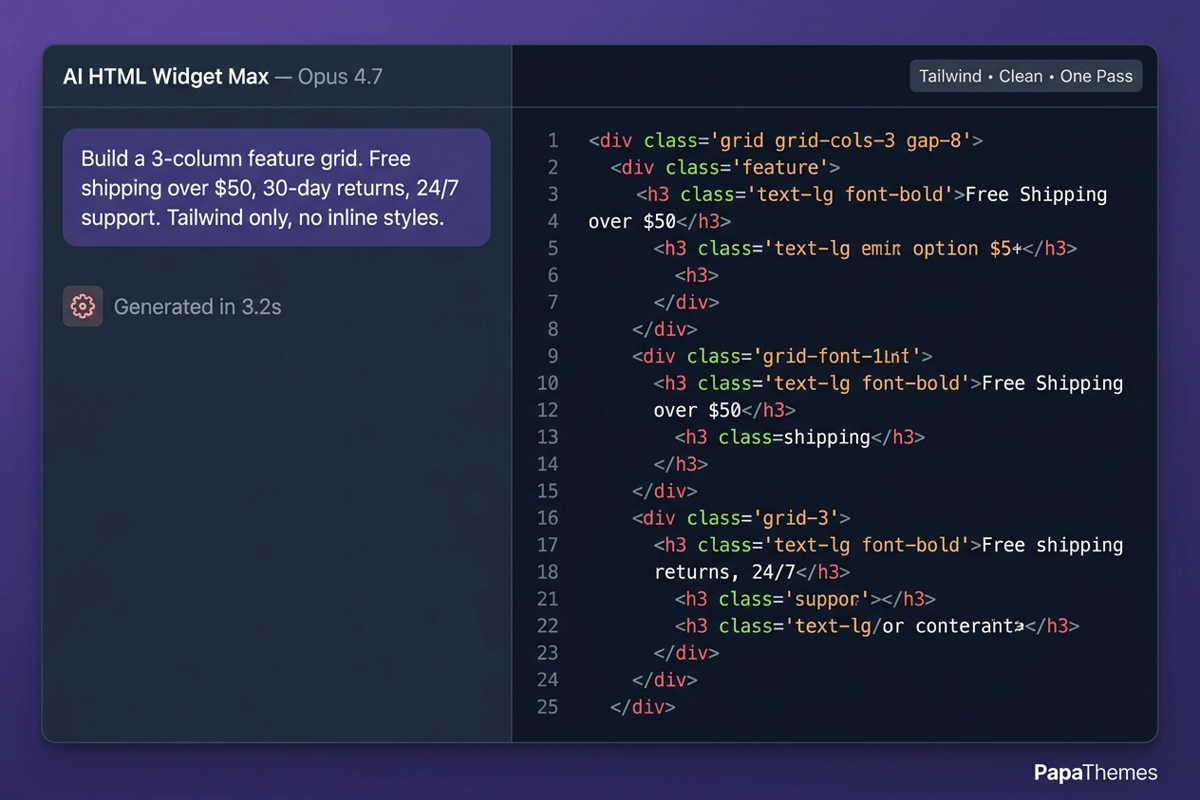
The same pattern shows up across the prompts merchants run most often — hero sections, testimonial carousels, comparison tables, FAQ accordions, and product showcase grids. You will still want to review the output before publishing, but the gap between "AI draft" and "production-ready" is noticeably smaller.
Pricing & Credits — Unchanged
This is a model upgrade for AI HTML Widget Max users, not a pricing change. Concretely:
- The Max tier sits at the same monthly price it did before today
- Your existing credit balance carries over exactly as it stood
- The free starter credits we offer to new BigCommerce store owners stay in place
- Your Lite and Pro tier prompts continue to run on the models they already use
- Nothing about the way credits are deducted or topped up has changed
If you are on Max, you get Opus 4.7 at no additional cost. If you are on Lite or Pro and curious whether Max is right for your store, the dashboard makes upgrading a one-click change — no contract, cancel any time.
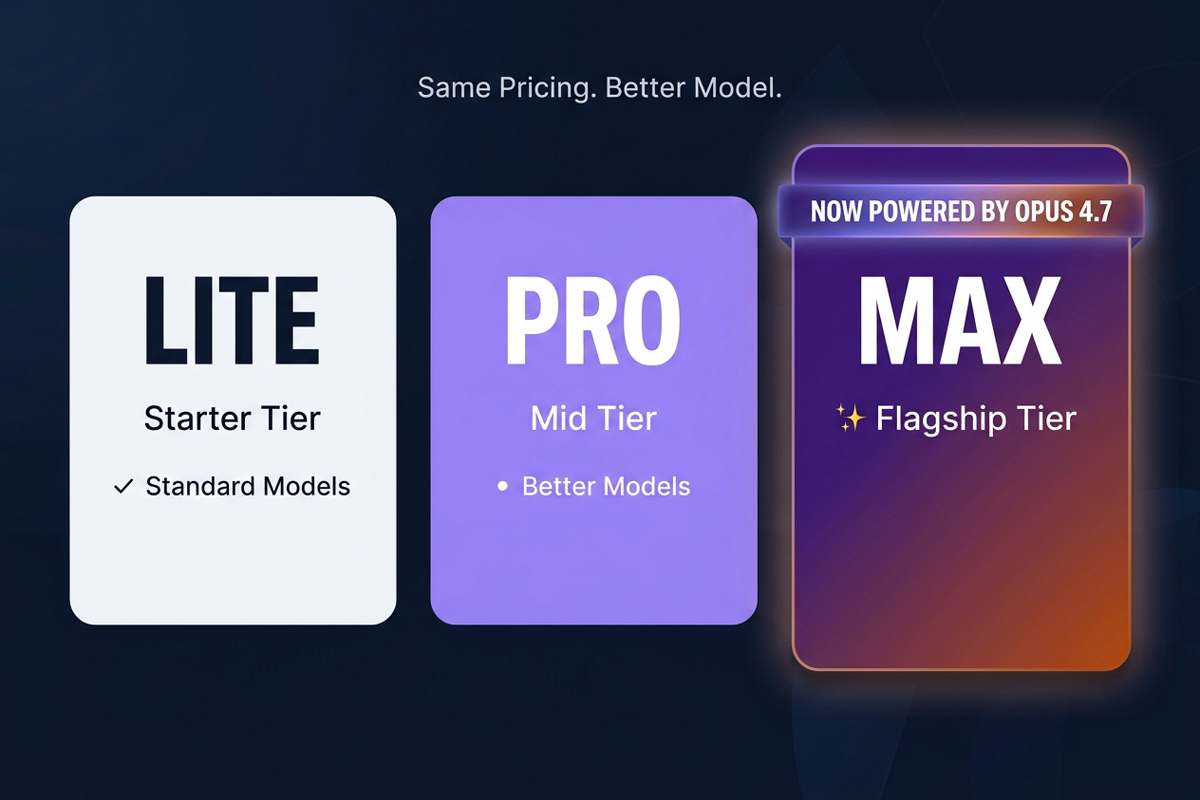
We held the line on pricing because Max users were promised access to our best models — Opus 4.7 is our best model today, so Max users get it today.
How to Start Using It
If you are already a Max tier subscriber, there is nothing to install and nothing to configure. Open the AI HTML Widget Max dashboard, type your next prompt, and Opus 4.7 will handle it. The interface looks identical and the output drops into the same preview pane as before.
If you have not used the Max tier yet, the fastest way to get a feel for the upgrade is to run a section prompt you have run before on a different tool. Use exactly the same wording and compare. Most merchants notice the difference inside the first three or four prompts — fewer revisions, more on-spec markup, and code that pastes cleanly into a BigCommerce stencil template.
Some quick prompt patterns that show off Opus 4.7 well:
- Long, opinionated specs ("our brand is X, our tone is Y, build me a hero that…") — extended context shines here
- Tight constraints ("no JavaScript, semantic HTML only") — instruction adherence shows up immediately
- Multi-element layouts (hero + sub-feature row + CTA in one block) — cleaner code generation keeps everything coherent
The full AI HTML Widget documentation lives at the PapaThemes AI HTML Widget docs, and the running release history is in the changelog.
Why This Matters for BigCommerce Merchants
For a small BigCommerce team, every minute spent revising a generated section is a minute not spent on merchandising, content, or customer care. A better model on the Max tier means more prompts end with usable markup on the first try — which is the difference between AI being a curiosity and a tool you reach for every week.
It also matters for stores that lean on AI HTML Widget for design experimentation. If you regularly A/B test landing page sections, run seasonal campaigns, or spin up promo blocks, faster iteration means faster learning. And for brand-conscious stores, better instruction adherence translates directly into less manual cleanup — colors land where you said, voice stays in lane, and buttons read what you want them to read.
Ready to Build with Claude Opus 4.7?
The upgrade is already live for every AI HTML Widget Max user. Same dashboard, same pricing, same credits — better code on every prompt. Open Max and run your next section.
Start Building → Read the Changelog →