
Introducing Product 3D & AR for BigCommerce: Interactive 3D and "View in Your Space"
New app from PapaThemes
Show your products in 3D, right on the product page
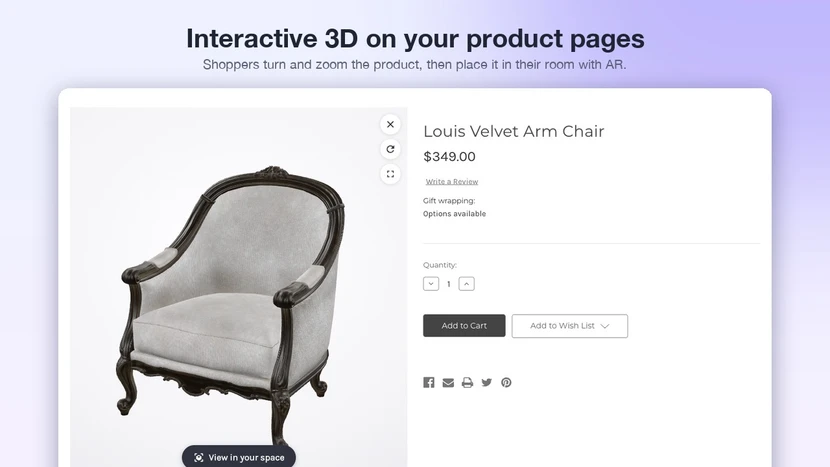
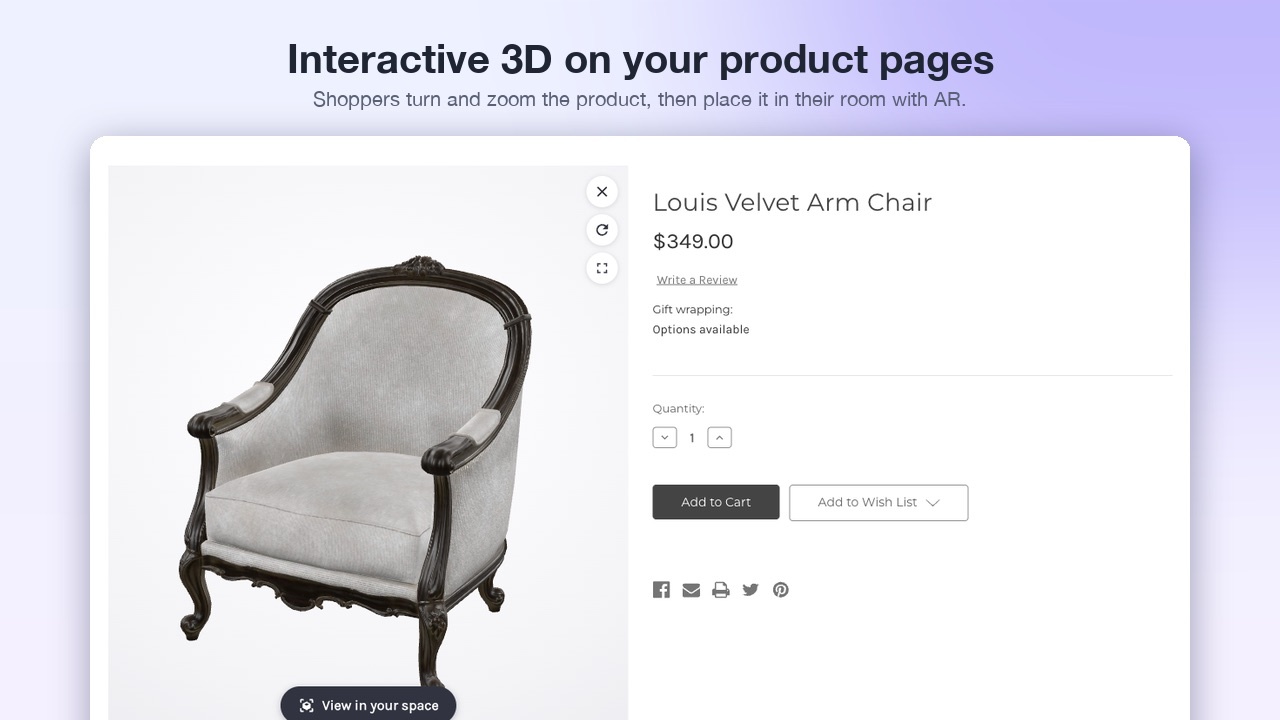
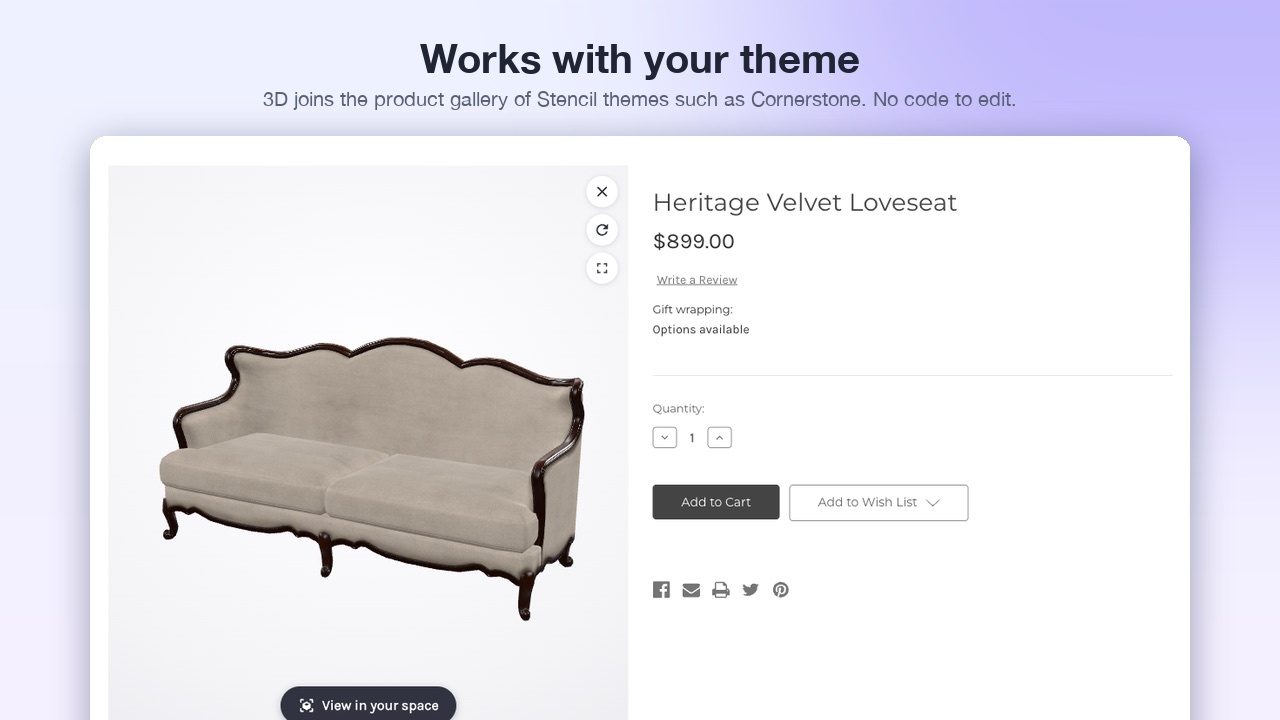
Shoppers turn and zoom the product in the gallery, then place it in their own room with AR. Upload a 3D file, pick the product, publish. No theme code.
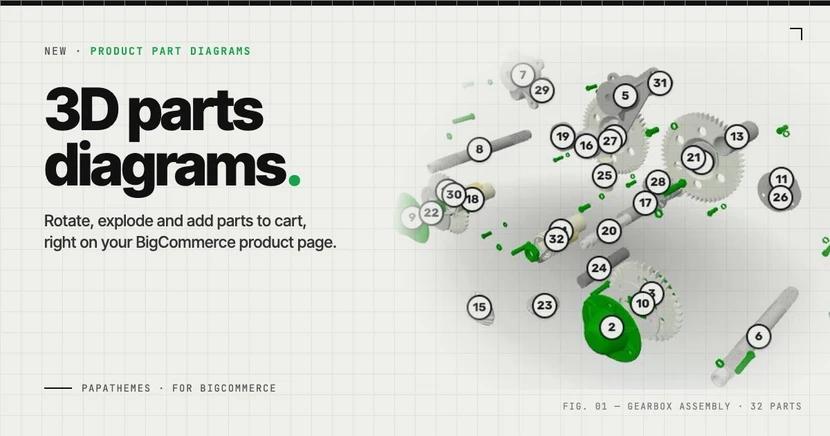
Get the app on BigCommerce →Photos show a product from a few fixed angles. For furniture, lighting, equipment and parts, that is often not enough: shoppers want to see the back, the legs, the mount, and how big it really is. Product 3D & AR adds an interactive 3D model to your product gallery and a "View in your space" button that places the product in the shopper's room at real size.
Watch the 35-second overview on YouTube →
What your shoppers get
- Turn and zoom the product with the mouse or a finger, inside the normal product gallery or in a pop-up.
- "View in your space" on iPhone places the product on the floor or on a wall at real size.
- On desktop, a QR code opens the same product on the phone.
- A different model per variant, so colours and finishes switch with the option the shopper picks.
Easy for you
- Upload GLB, glTF, OBJ, FBX or STL. CAD exports from manufacturers work well.
- Automatic optimisation: the app optimises the file and creates the AR files and a preview image, usually in under two minutes.
- Works with your theme: Cornerstone-based themes and PapaThemes themes need no code; other Stencil themes get a pop-up viewer.
- Multi-storefront: choose which channels show the 3D viewer.
Set it up in a few minutes
- Install Product 3D & AR from the BigCommerce App Marketplace.
- Upload your 3D file.
- Pick the product (and variant) it belongs to.
- Publish, then open the product page on your phone and tap View in your space.
The step-by-step guide is in the Product 3D & AR docs.
No 3D file yet?
Many manufacturers already have CAD or GLB files for their products, so ask your supplier first. For a limited time, we will set up your first 3D product for free: send us the file and we will add it and place the button for you. Contact us at contact@papathemes.com.
Good to know
- There is a free plan with 3 models, so you can try it on your best-selling product at no cost.
- Your existing product images stay as they are; the 3D model is added next to them.
Get Product 3D & AR on the BigCommerce App Marketplace →