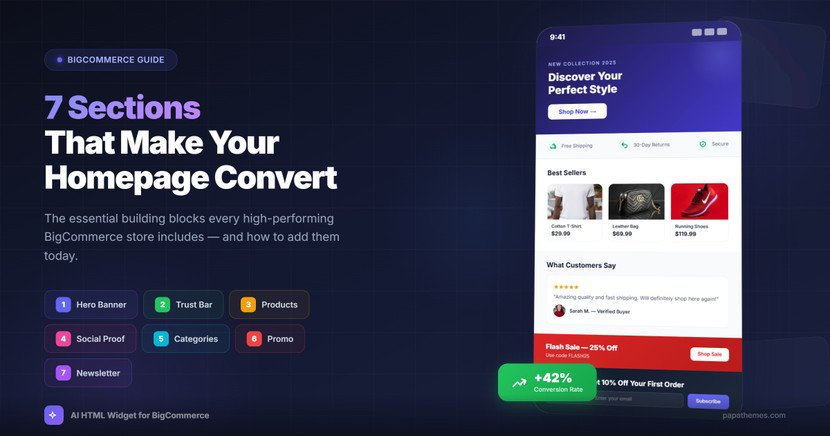
7 Homepage Sections That Convert: A BigCommerce Store Owner's Guide
Your homepage has 8 seconds to make a first impression. In those 8 seconds, visitors decide whether to stay or leave. The difference between a homepage that converts and one that bounces often comes down to seven key sections.
After analyzing hundreds of high-performing BigCommerce stores, we've identified the sections that consistently drive engagement and sales. Here's what top-converting stores include—and how you can add them to your store today.
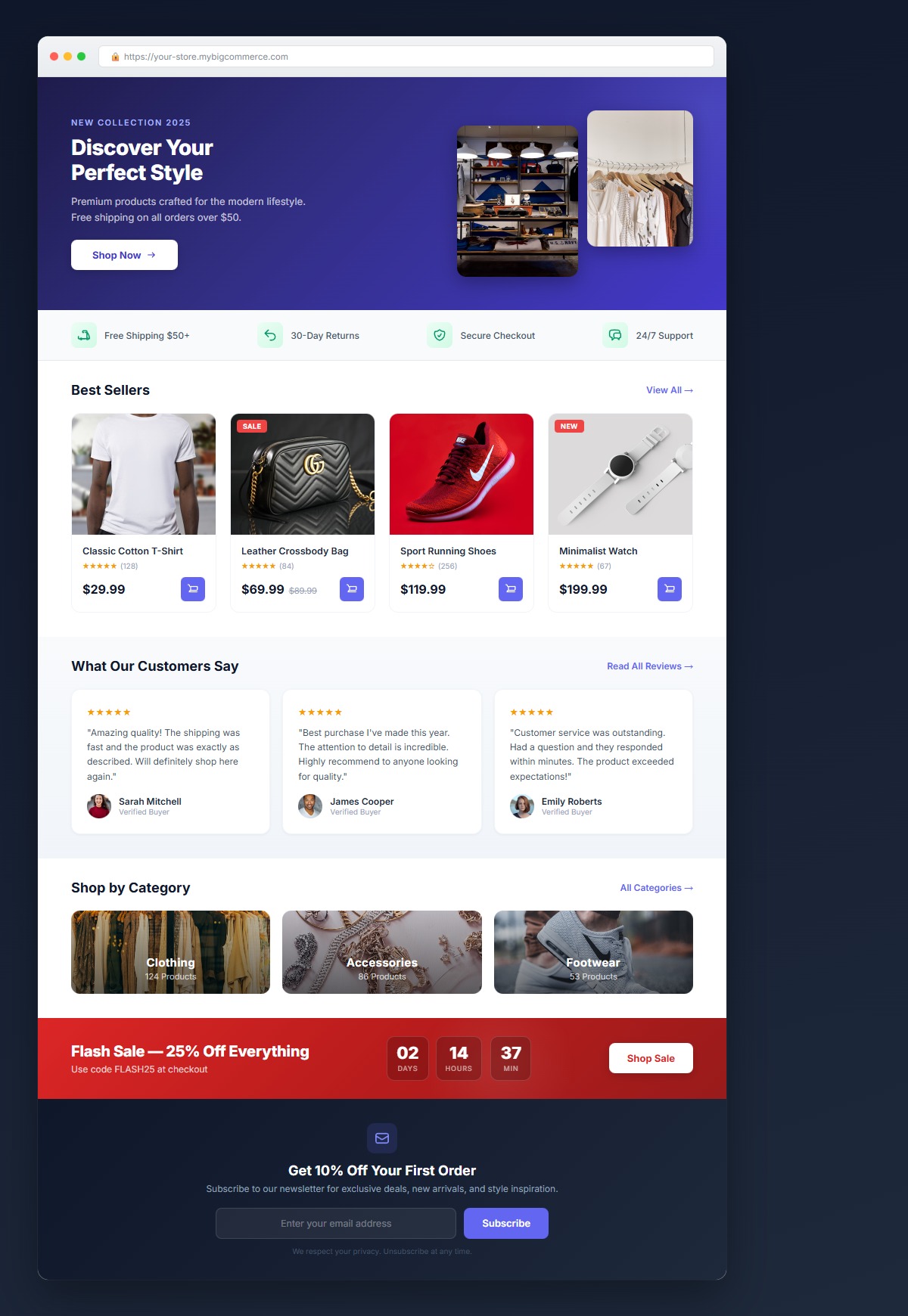 A well-structured homepage includes all 7 sections working together to guide visitors toward conversion.
1. Hero Banner with Clear Value Proposition
What it does: Immediately communicates what you sell and why customers should buy from you.
Conversion impact: A clear hero banner can increase time on site by 40%.
Best practices:
- One headline, one message
- High-quality product or lifestyle image
- Single, prominent call-to-action button
- Mobile-optimized layout
Example prompt for AI: "Create a hero banner with a headline on the left, product image on the right, and a 'Shop Now' button. Use a blue and white color scheme."
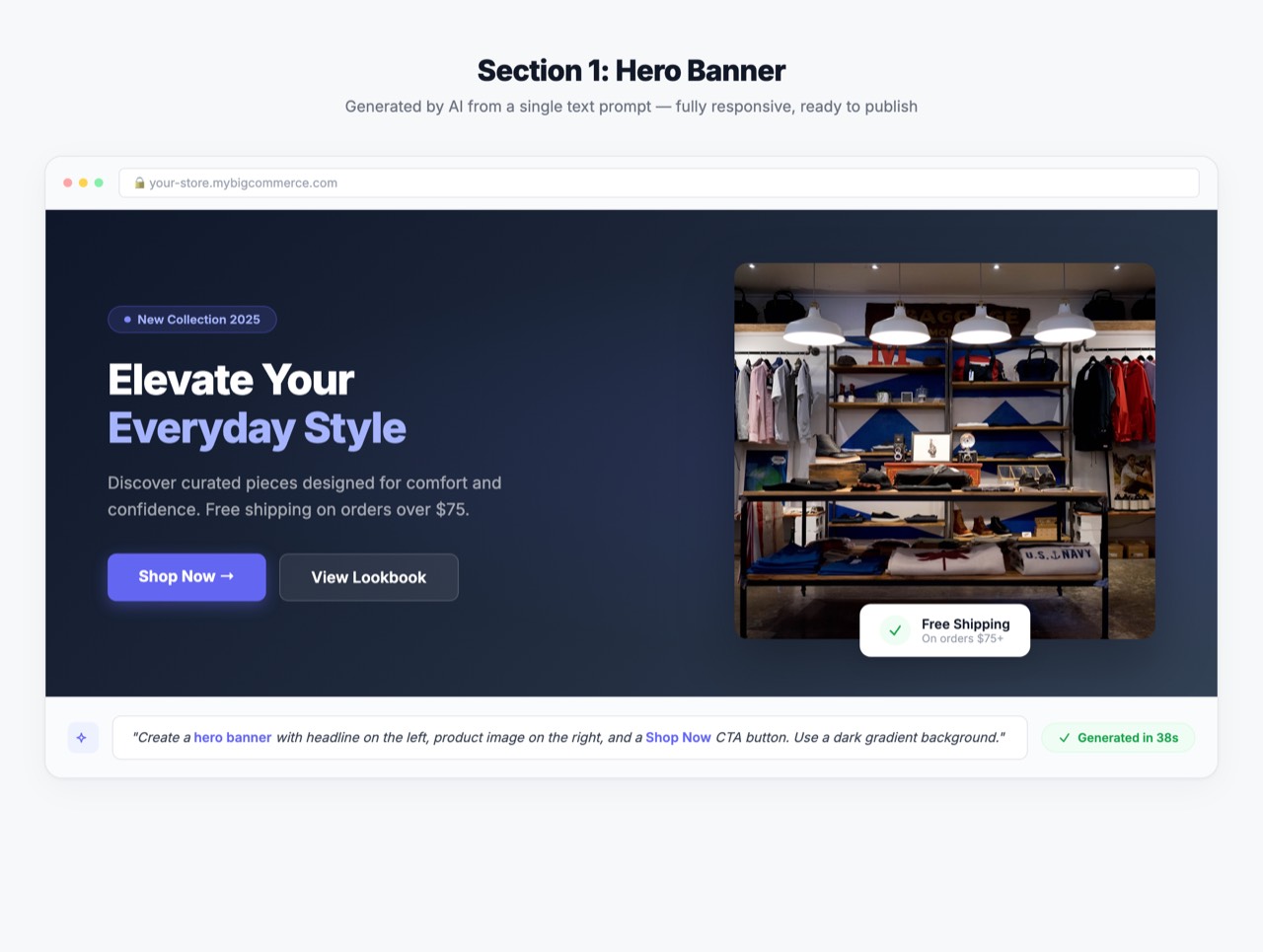 A hero banner generated in seconds using the AI HTML Widget. Clean layout with clear CTA.
2. Trust Indicators Bar
What it does: Reduces purchase anxiety by showing why customers can trust you.
Conversion impact: Trust badges can increase conversions by up to 42%.
What to include:
- Free shipping threshold
- Money-back guarantee
- Secure payment icons
- Customer service availability
- Number of happy customers
Example prompt for AI: "Create a horizontal bar with 4 trust icons: free shipping over $50, 30-day returns, secure checkout, and 24/7 support. Use a light gray background."
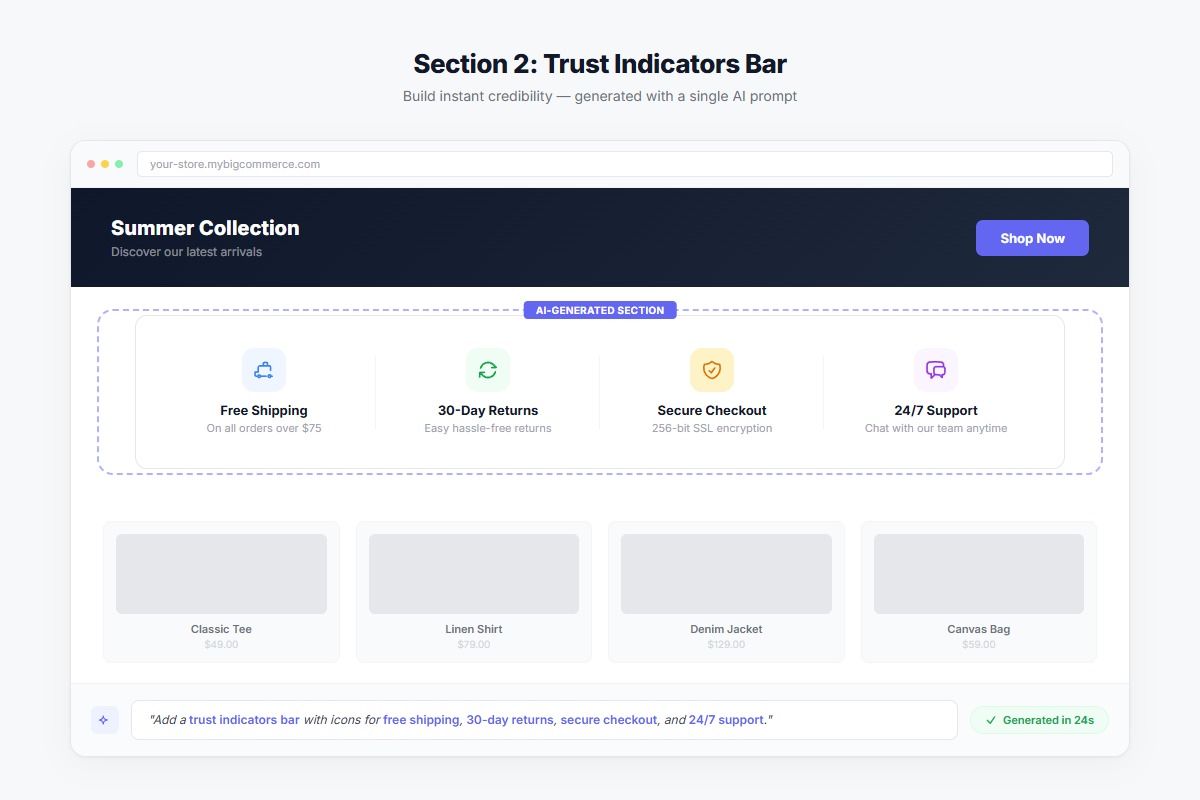 Trust badges placed right below the hero banner reassure visitors instantly.
3. Featured Products Grid
What it does: Showcases your best-sellers or new arrivals above the fold.
Conversion impact: Featured products get 3x more clicks than standard category links.
Best practices:
- 4-8 products maximum
- Include price and quick-add button
- Show ratings if available
- Use consistent image sizing
Example prompt for AI: "Create a 4-column product grid with product image, name, price, and 'Add to Cart' button. Include a 'Best Sellers' heading above."
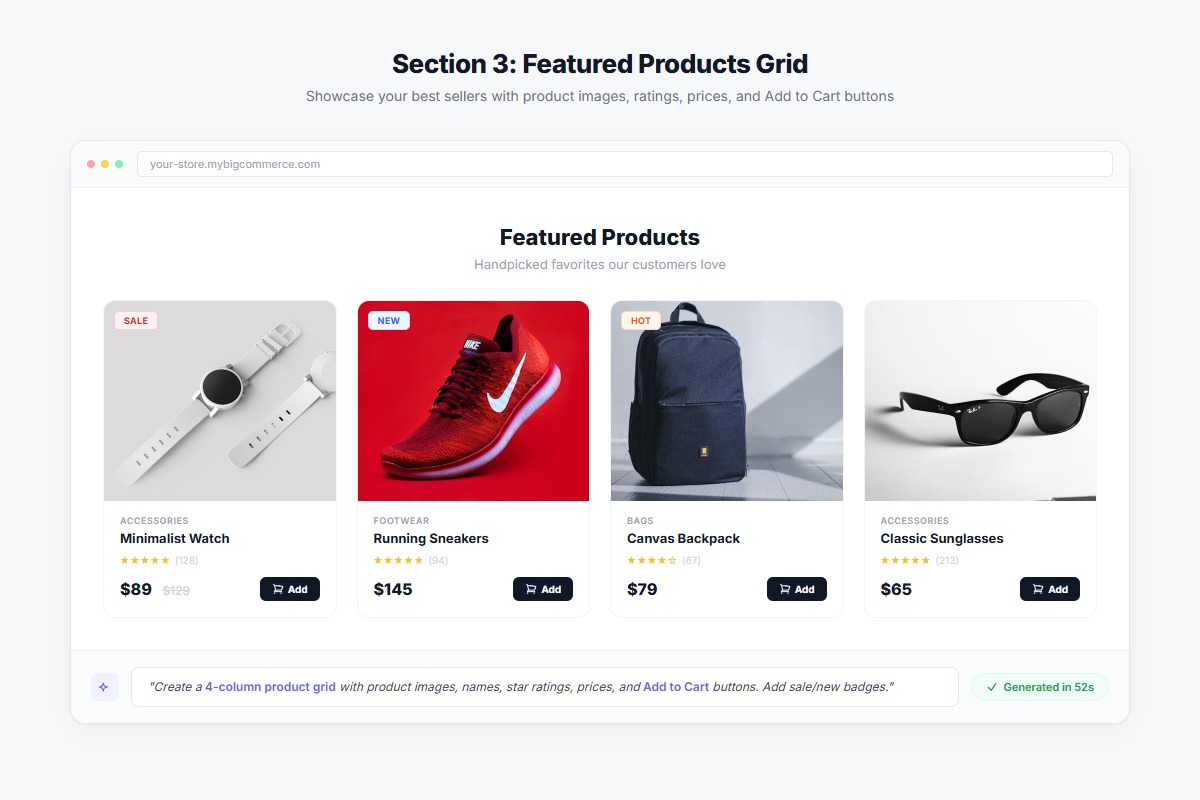 A featured products grid showcasing best sellers with quick-add buttons for instant purchasing.
4. Social Proof Section
What it does: Shows real customers trust and love your products.
Conversion impact: 92% of consumers read reviews before purchasing.
Options to include:
- Customer testimonials with photos
- Star ratings summary
- User-generated content gallery
- Press mentions or awards
- "As seen in" logos
Example prompt for AI: "Create a testimonial carousel with customer photo, 5-star rating, quote, and customer name. Include navigation arrows and dots."
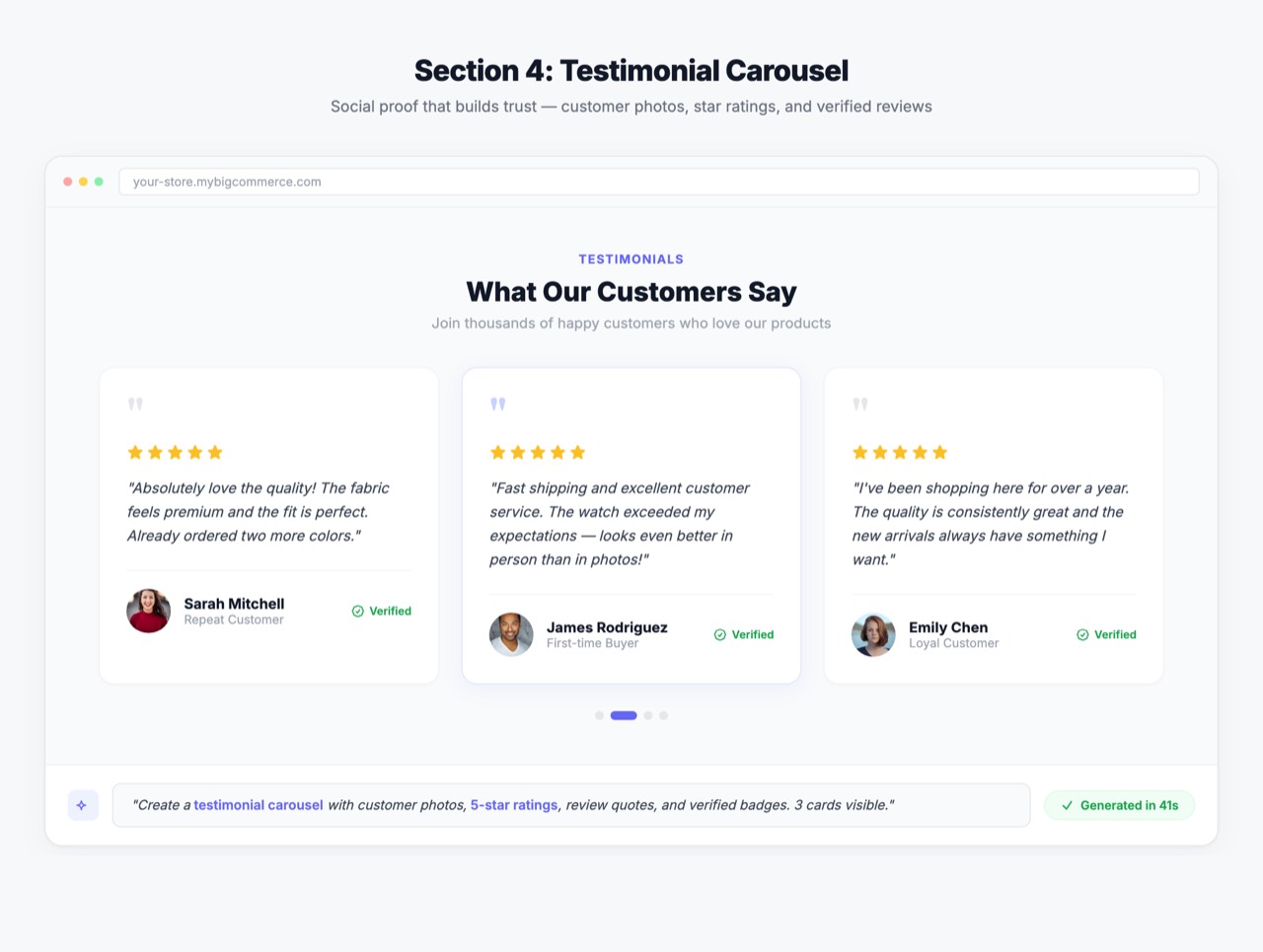 Social proof in action — a testimonial carousel builds trust through real customer stories.
5. Category Navigation Cards
What it does: Helps visitors quickly find what they're looking for.
Conversion impact: Clear navigation reduces bounce rate by up to 30%.
Best practices:
- Visual category cards with images
- 4-6 main categories
- Hover effects for interactivity
- Mobile-friendly tap targets
Example prompt for AI: "Create a 3-column category grid with image backgrounds, category name overlay, and hover zoom effect. Link each to category pages."
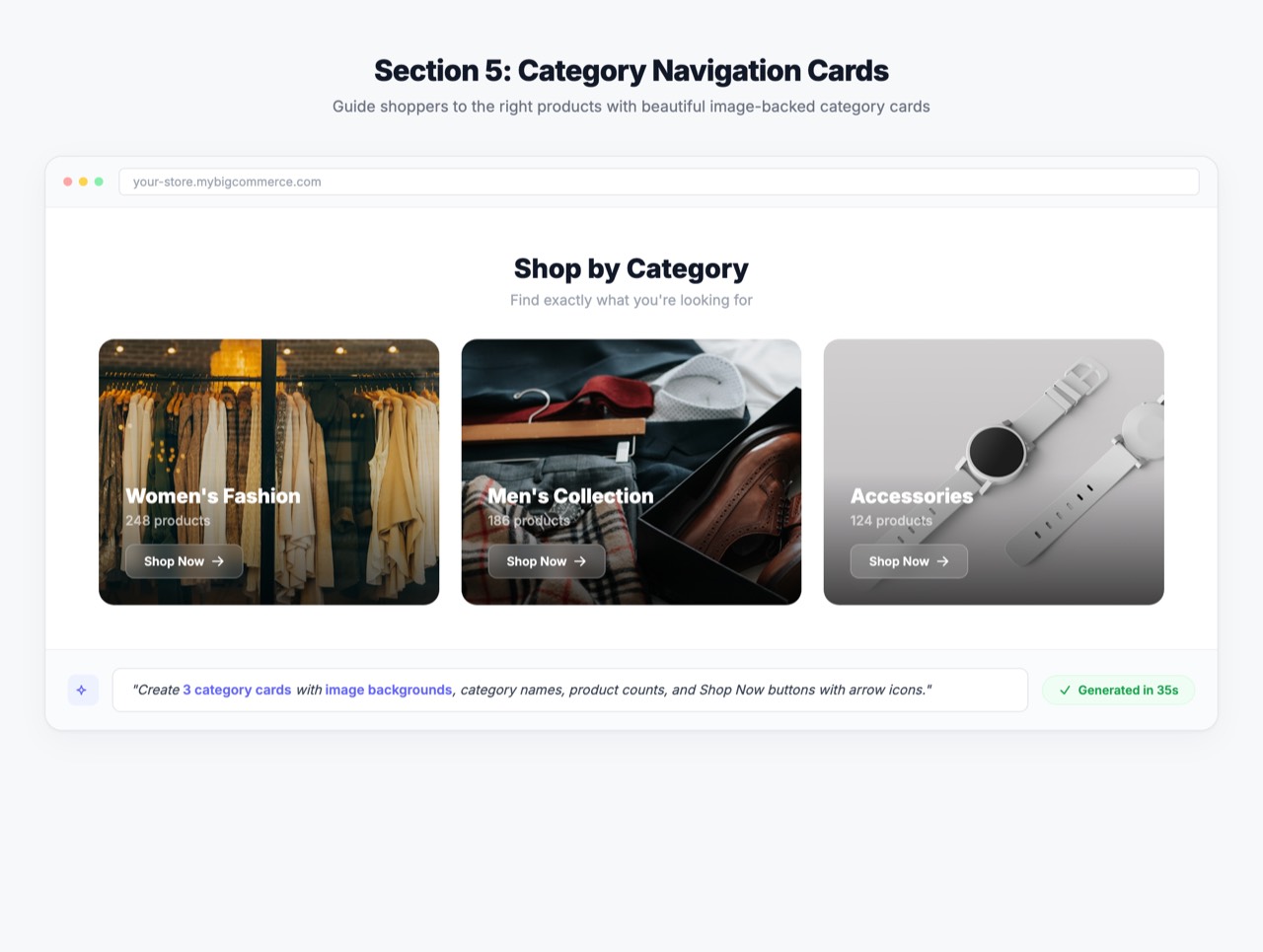 Category cards with visual images help visitors navigate to what they need fast.
6. Limited-Time Offer Banner
What it does: Creates urgency and drives immediate action.
Conversion impact: Countdown timers can boost conversions by 9%.
Elements to include:
- Clear discount amount
- Countdown timer (days, hours, minutes)
- Promo code if applicable
- Single action button
Example prompt for AI: "Create a promotional banner with 'Flash Sale - 25% Off Everything' headline, countdown timer showing days/hours/minutes, and 'Shop Sale' button. Use red and white colors."
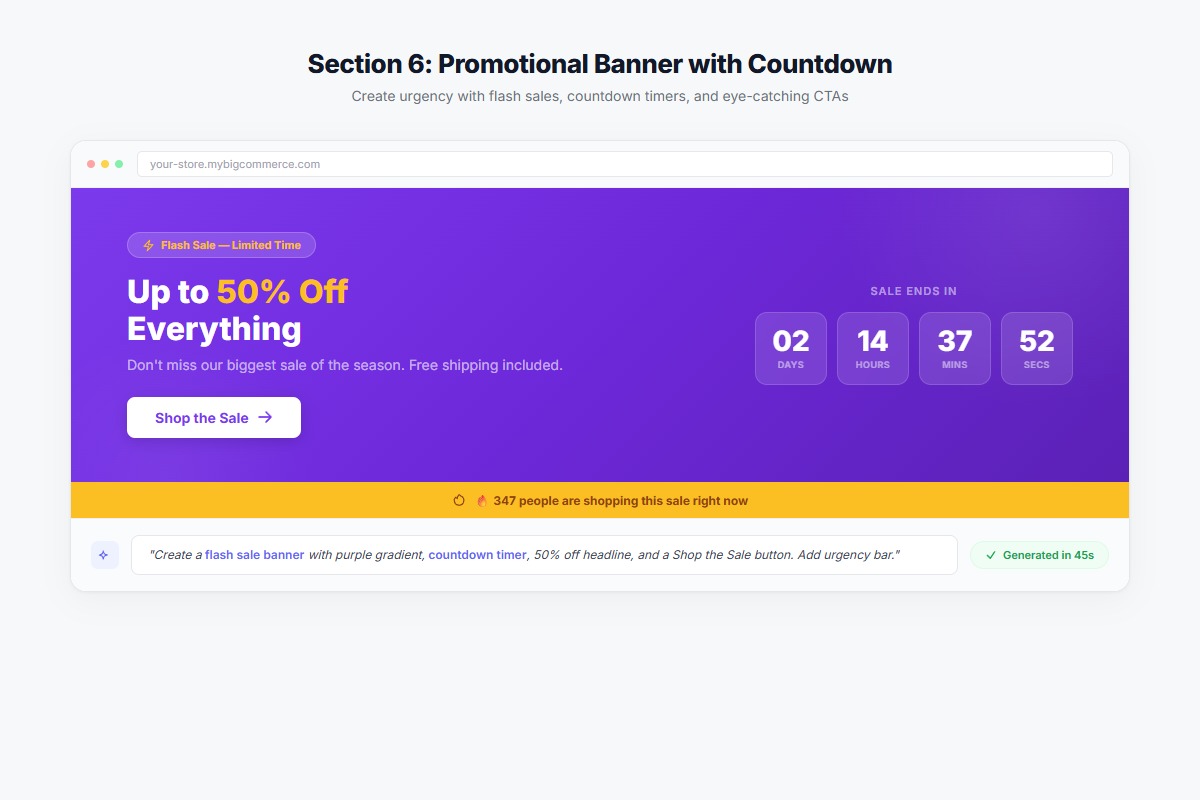 A countdown timer creates urgency — this promo banner was generated in under 30 seconds.
7. Newsletter Signup with Incentive
What it does: Captures email addresses for future marketing.
Conversion impact: Exit-intent popups with discounts convert at 4-7%.
Best practices:
- Offer immediate value (10% off, free shipping)
- Keep form fields minimal (email only)
- Set clear expectations
- Mobile-friendly design
Example prompt for AI: "Create a newsletter signup section with 'Get 10% Off Your First Order' headline, email input field, and 'Subscribe' button. Include small text about privacy."
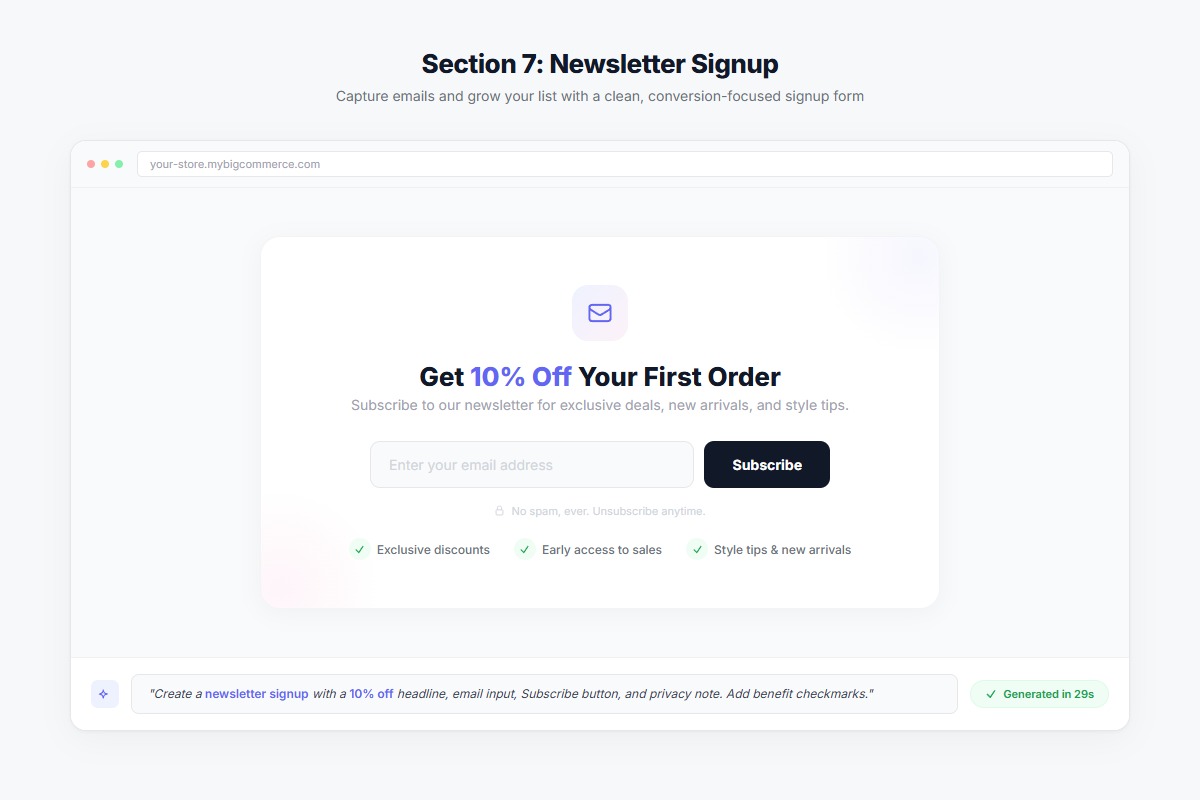 A simple, clean newsletter signup offering 10% off to capture emails effectively.
How to Add These Sections to Your Store (Without a Developer)
Traditionally, adding custom sections to BigCommerce required:
- Hiring a developer ($50-150/hour)
- Waiting 2-3 weeks for delivery
- Multiple revision rounds
- Ongoing maintenance costs
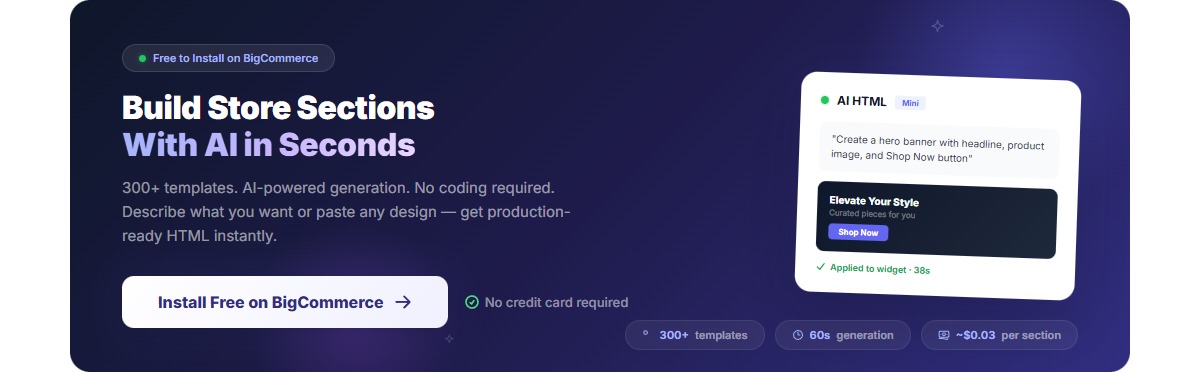
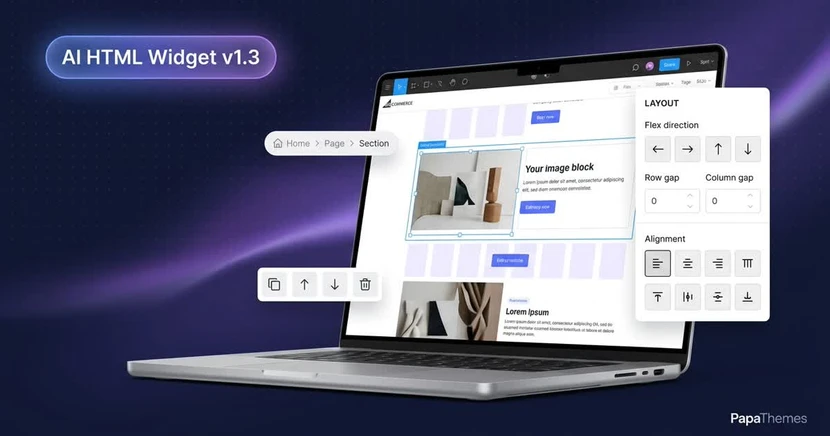
There's a faster way. The AI HTML Widget for BigCommerce lets you create any of these sections in minutes — for pennies in AI credits instead of hundreds in developer fees:
- Choose from 300+ pre-made templates - Hero banners, testimonials, product grids, and more. Preview on desktop, tablet, and mobile before applying.
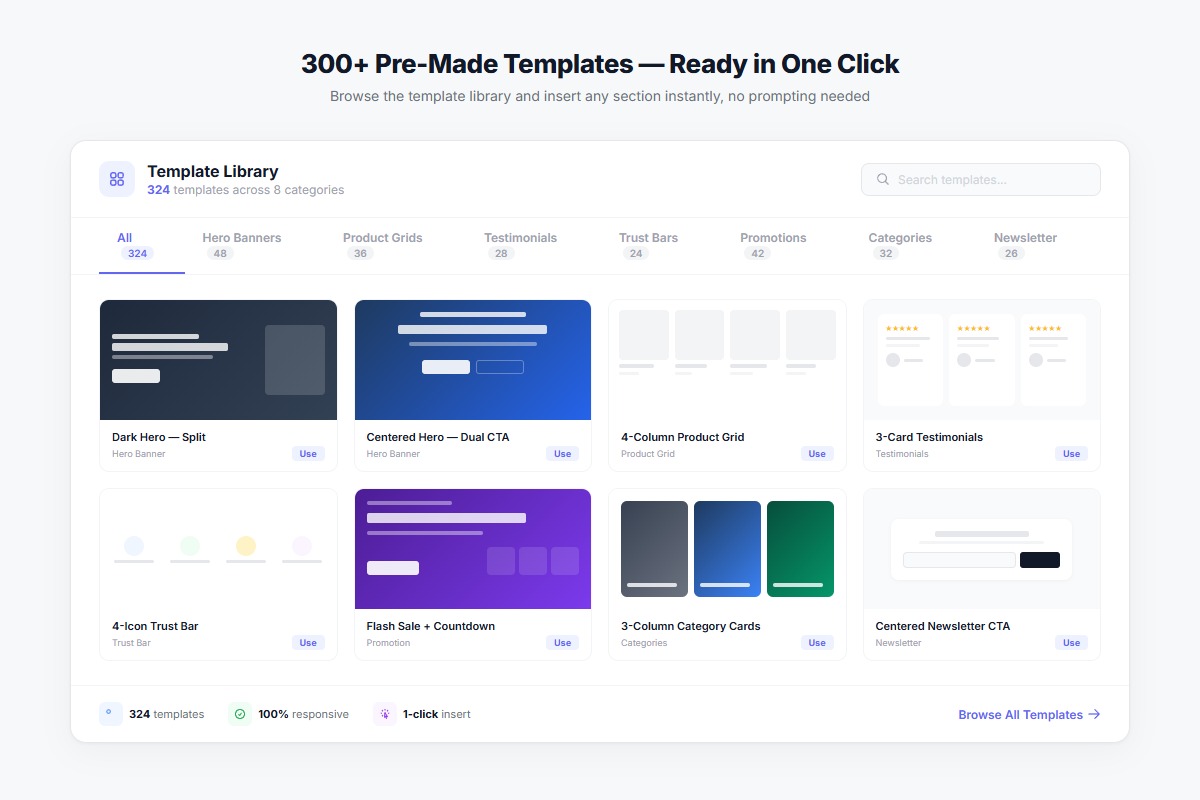 Browse 300+ templates — preview on desktop, tablet, and mobile before applying.
- Or describe what you want in plain English - Type "Create a hero banner with..." and watch the AI generate production-ready code.
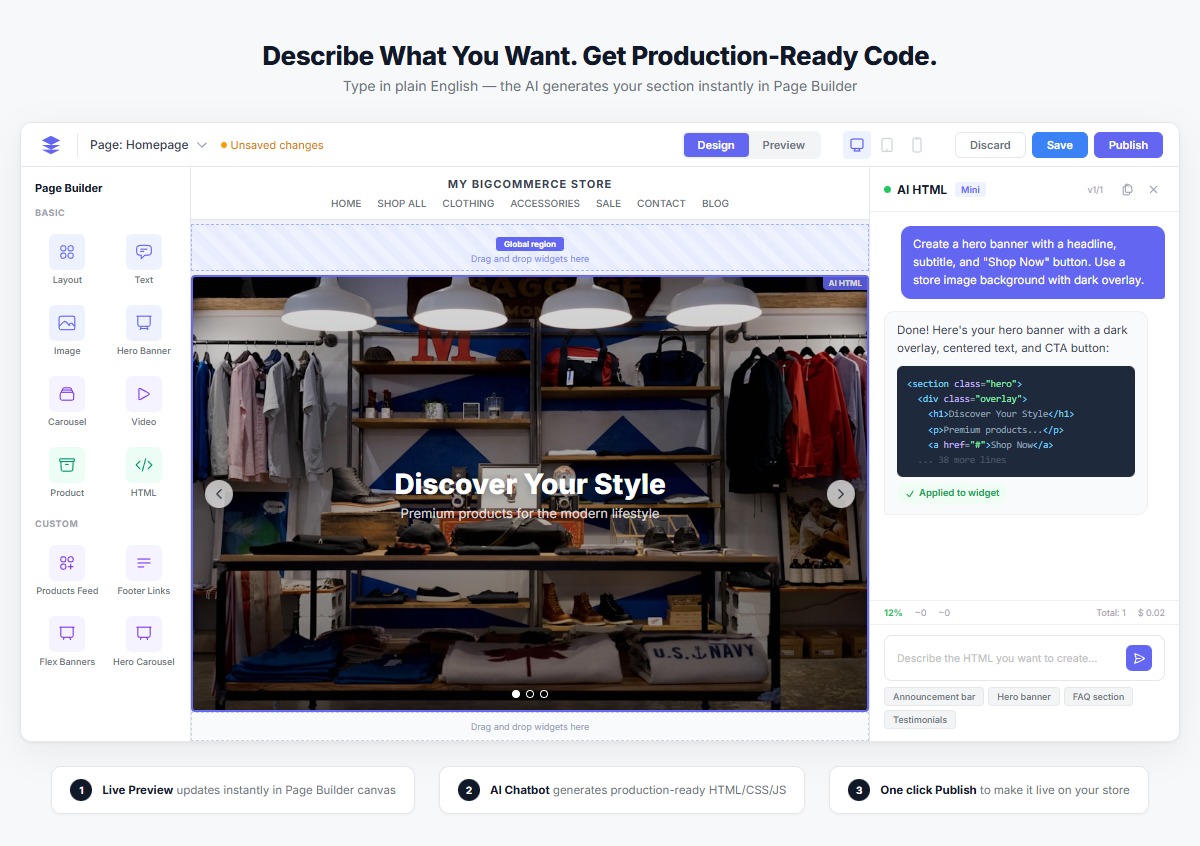 Type what you want in plain English — the AI generates production-ready code instantly.
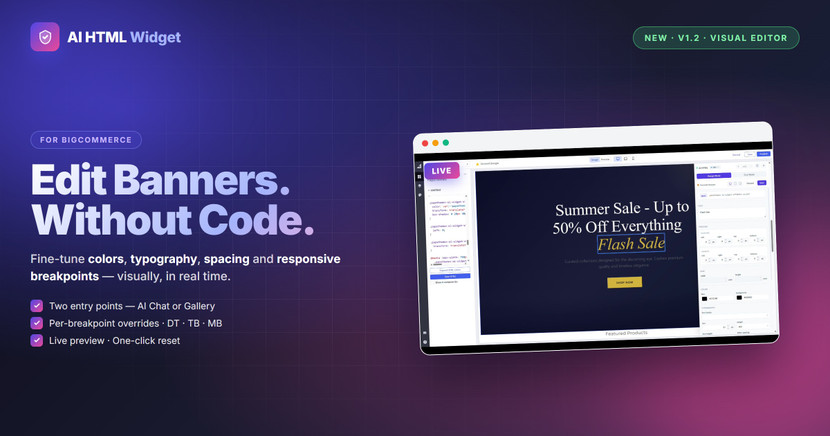
- Customize with AI assistance - Say "Change the button color to blue" or "Add a countdown timer" and the AI updates your section instantly.
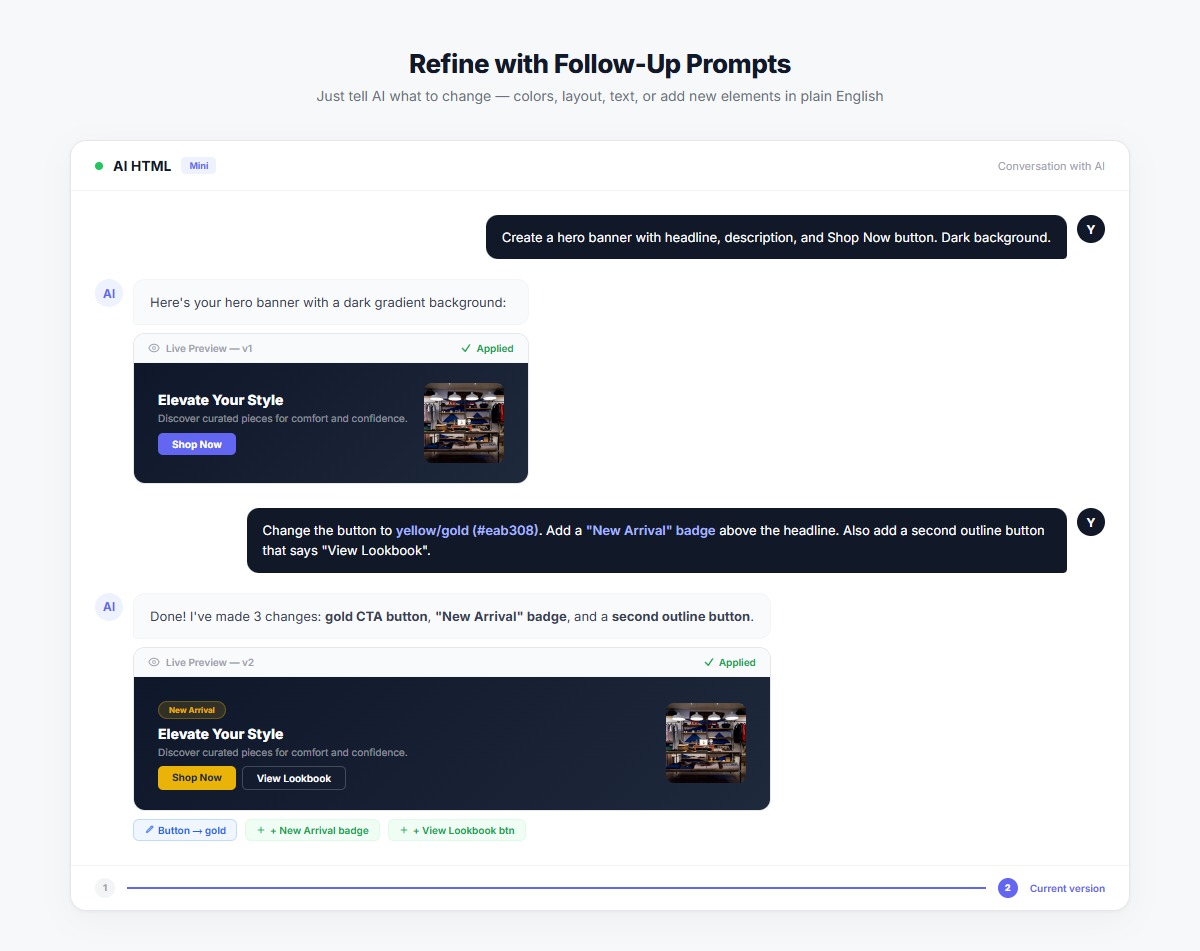 Refine your section with follow-up prompts — no coding needed.
Real Results from Real Stores
"I added a hero banner, trust badges, and a testimonial section to my homepage in under 30 minutes. My conversion rate increased by 18% the following week." — Sarah M., Home Goods Store Owner
"We used to wait 2 weeks for our developer to make homepage changes. Now I can launch a new promotional section during my lunch break." — Mike T., Fashion Boutique Owner
Get Started in 5 Minutes
- Install the AI HTML Widget from the BigCommerce App Marketplace (free to install)
- Open Page Builder on your homepage
- Drag the AI HTML widget to your desired location
- Browse 300+ templates or describe what you want
- Publish and start converting
Your competitors are already optimizing their homepages. Don't let an outdated design cost you sales.
Quick Reference: Section Checklist
| Section | Priority | Impact |
|---|---|---|
| Hero Banner | Essential | High |
| Trust Indicators | Essential | High |
| Featured Products | Essential | High |
| Social Proof | High | High |
| Category Navigation | High | Medium |
| Limited-Time Offer | Medium | High |
| Newsletter Signup | Medium | Medium |
Ready to Transform Your Homepage?
Every day without an optimized homepage is a day of lost conversions. Add all 7 sections with 300+ templates and AI-powered customization — free to install, no coding required.