


7 Ecommerce Design Trends Dominating 2026 (And How to Apply Them)
Design That Converts
Stay Ahead with PapaThemes
44+ BigCommerce themes built with the latest design trends and best practices
Explore Themes →The ecommerce landscape never stands still. Every year brings new expectations from shoppers, new technologies from platforms, and new standards from search engines. In 2026, the pace of change is faster than ever — driven largely by artificial intelligence, mobile-first behavior, and a growing demand for inclusive, accessible shopping experiences.
If your online store looks and feels the same as it did two years ago, you are already falling behind. Seventy-five percent of shoppers say they judge a business's credibility based on its website design, and modern consumers expect more than just a product catalog. They want personalized, fast, visually engaging experiences that feel tailored to them.
This guide breaks down the seven most impactful ecommerce design trends dominating 2026, with practical steps you can take to apply each one to your BigCommerce store today.
1. AI-Powered Search and Personalization
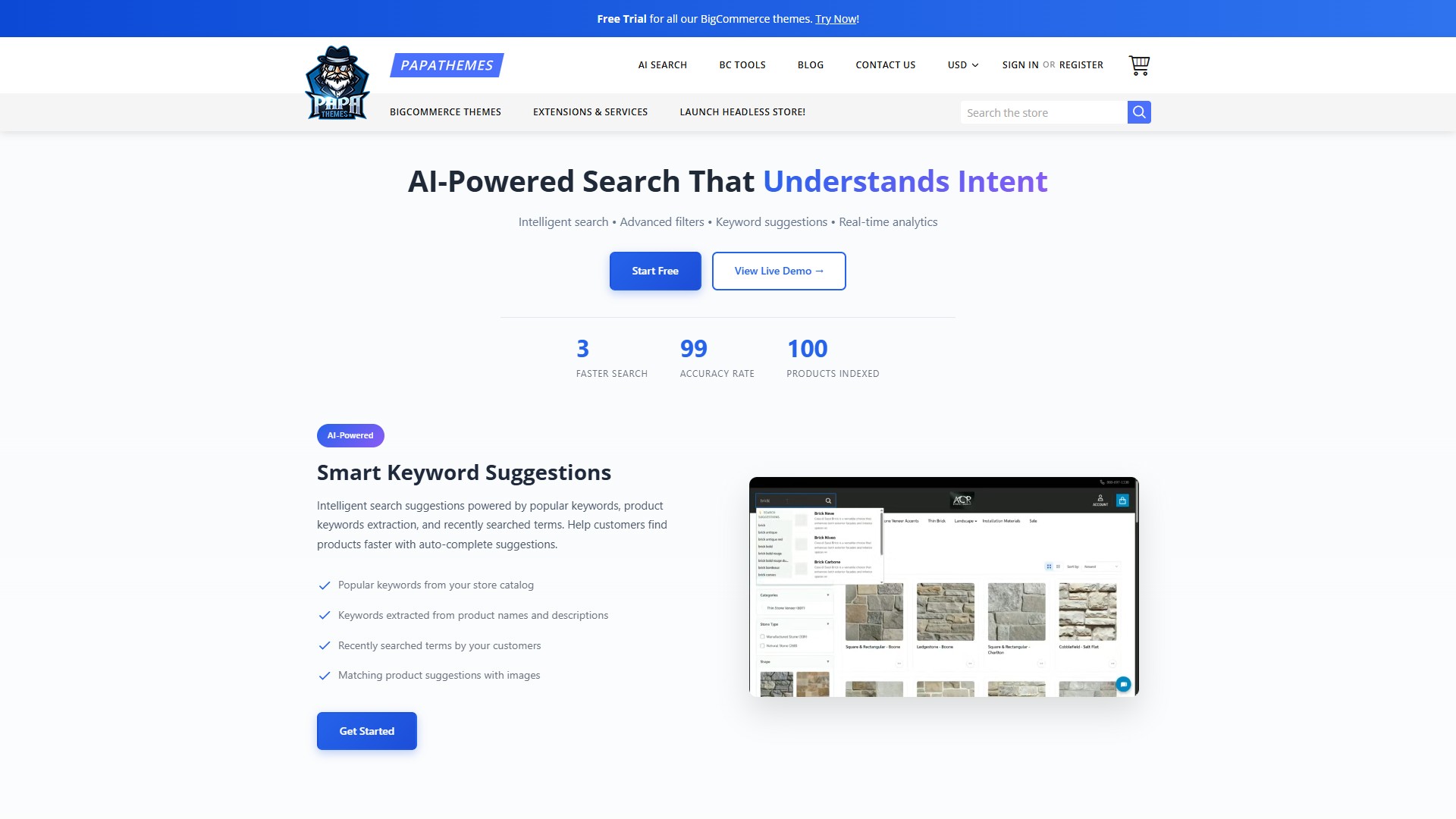
Artificial intelligence is no longer a buzzword — it is the backbone of modern ecommerce. In 2026, AI-driven personalization has moved from "nice to have" to "expected." According to recent industry data, stores using AI personalization see conversion rates increase by fifteen to twenty-five percent on average.
What This Looks Like in Practice
- Semantic search: Customers search for "comfortable summer dress" and get relevant results even if those words are not in any product title. The search engine understands intent, not just keywords.
- Dynamic product recommendations: Instead of generic "you might also like" sections, AI analyzes browsing patterns, purchase history, and even time of day to show truly relevant products.
- Personalized landing pages: Different visitors see different hero banners, featured products, and category layouts based on their behavior and preferences.
How to Apply This to Your Store
The fastest way to add AI-powered search to a BigCommerce store is with PapaSearch. It provides semantic search that understands what shoppers mean — not just what they type. Results appear instantly as customers type, with smart filters that narrow options without full page reloads.
For broader AI-powered page customization, PapaThemes AI Widgets offers 25+ widgets with 337+ section templates that you can configure with AI assistance. Describe what you want, and the AI generates the code — no developer needed.
During seasonal peaks like Ramadan (currently underway in Western Asia) or spring sales in the US and Europe, AI personalization becomes even more valuable. Stores can automatically surface relevant products for different audiences based on their location and shopping context.
2. Mobile-First and Thumb-Friendly Design
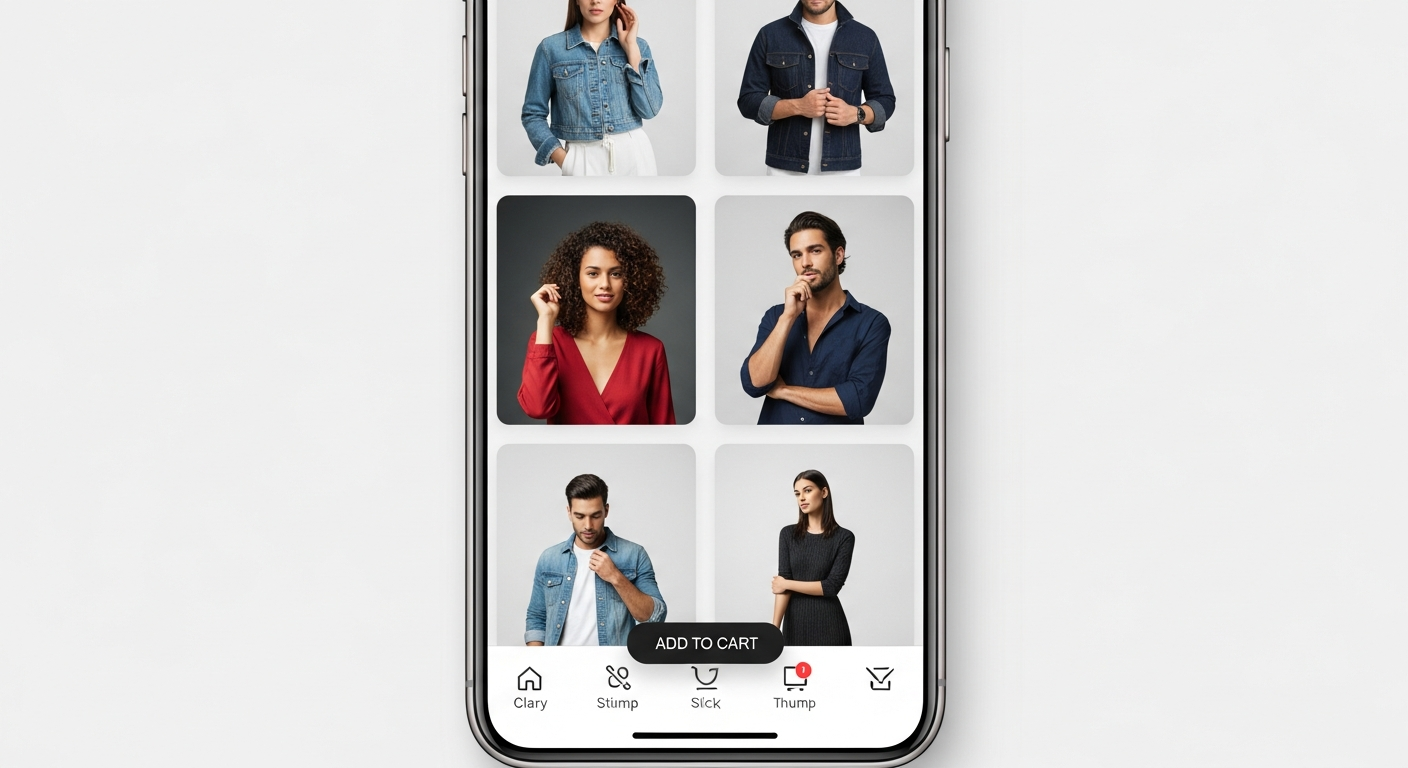
Mobile commerce now accounts for over sixty-five percent of all ecommerce traffic globally. Yet many stores still treat mobile as a scaled-down version of their desktop site. In 2026, the best-performing stores are designed mobile-first — meaning the mobile experience is designed first and the desktop version is the adaptation, not the other way around.
Key Mobile-First Design Principles
- Thumb zones: The most important interactive elements (add to cart, navigation, search) should be within easy thumb reach on a phone held one-handed. This means placing key actions in the bottom half of the screen.
- Bottom navigation bars: Following the pattern set by apps like Instagram and TikTok, leading ecommerce stores are moving primary navigation to the bottom of the screen on mobile.
- Full-width cards: Product cards that stretch the full width of the screen on mobile, with large tap targets and clear pricing.
- Sticky add-to-cart: A persistent "Add to Cart" button that stays visible as shoppers scroll through product details.
How to Apply This
Choose a BigCommerce theme built with mobile-first principles. All PapaThemes themes are fully responsive with mobile-optimized layouts, sticky headers, and touch-friendly navigation. Themes like Beautify and Eyeva include bottom mobile navigation bars, large product image carousels, and sticky add-to-cart buttons out of the box.
Test your store on a real mid-range Android phone — not just Chrome's device emulator. That is where the majority of your mobile traffic comes from, and those devices have less processing power than the latest iPhone.
3. Micro-Animations and Interactive Product Experiences
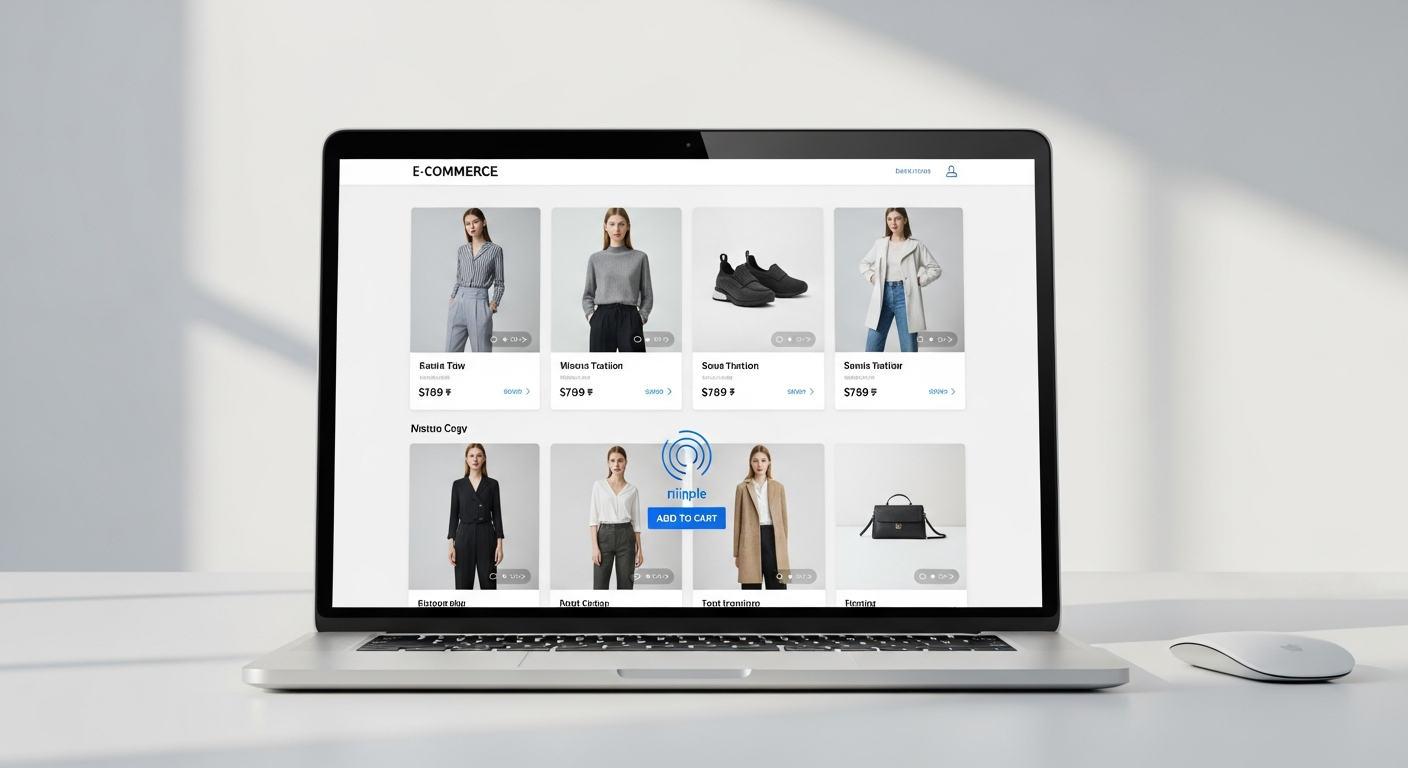
Static product pages are giving way to dynamic, interactive experiences. Micro-animations — small, purposeful motion effects — guide the shopper's eye, provide feedback, and create a sense of polish that builds trust.
Examples of Effective Micro-Animations
- Product card hover effects: Images zoom, alternate views appear, or a quick "view" overlay slides in
- Add-to-cart feedback: The cart icon bounces or flashes, and a mini-cart slides in from the side
- Scroll-triggered reveals: Content sections fade in or slide up as the user scrolls down
- Loading skeleton screens: Instead of a blank page or spinner, show animated placeholders that mimic the layout being loaded
- Image zoom on hover: Product images that smoothly zoom in on cursor position
The Balance: Purposeful vs. Distracting
The key is restraint. Every animation should serve a purpose — guide attention, confirm an action, or reduce perceived wait time. Animations that are purely decorative or slow down the experience will hurt conversions.
Good micro-animations should:
- Complete in under 300 milliseconds for feedback actions
- Use easing curves (not linear motion) for natural feel
- Be subtle enough that users notice the effect, not the animation itself
- Respect the
prefers-reduced-motionmedia query for accessibility
Modern BigCommerce themes from PapaThemes include tasteful hover effects, smooth transitions, and loading states built in. You do not need a JavaScript developer to add polish to your store.
4. Video-First Product Storytelling
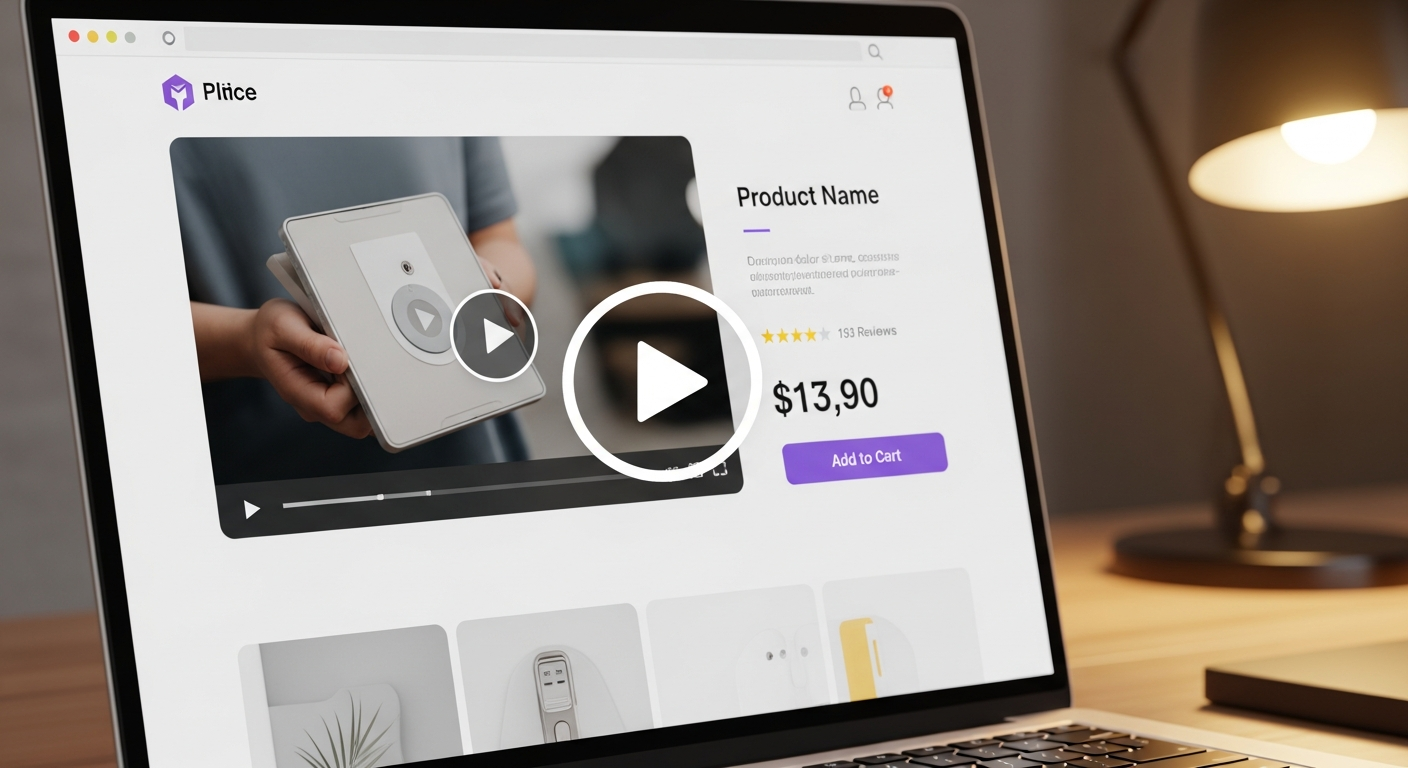
Video is no longer optional for ecommerce. In 2026, stores that use product videos see conversion rates seventy-three percent higher than those that rely on photos alone. Shoppers want to see products in motion — how fabric moves, how a gadget works, how furniture fits in a real room.
Video Formats That Work
- Short-form product demos: Fifteen to thirty second clips showing the product from multiple angles, embedded directly on the product page
- Shoppable video: Interactive videos where viewers can click on products to add them to their cart (emerging on platforms like TikTok Shop and Instagram Shopping)
- User-generated video reviews: Real customers showing their purchases in use — more authentic and trustworthy than polished brand videos
- Behind-the-scenes content: How products are made, packed, and shipped — builds brand connection
How to Apply This
Start by adding short product videos to your top-selling items. You do not need a production studio — a smartphone with good lighting and a simple background works well.
For your BigCommerce store, embed videos in product descriptions using the built-in HTML editor, or use a video gallery widget. PapaThemes AI Widgets lets you create custom video sections with AI-generated code, so you can showcase product videos in beautifully designed layouts without touching code.
Distribute your product videos across TikTok, Instagram Reels, and YouTube Shorts for additional reach. The same thirty-second clip can work on all three platforms with minor adjustments to captions and hashtags.
5. Dark Mode and Adaptive Theming
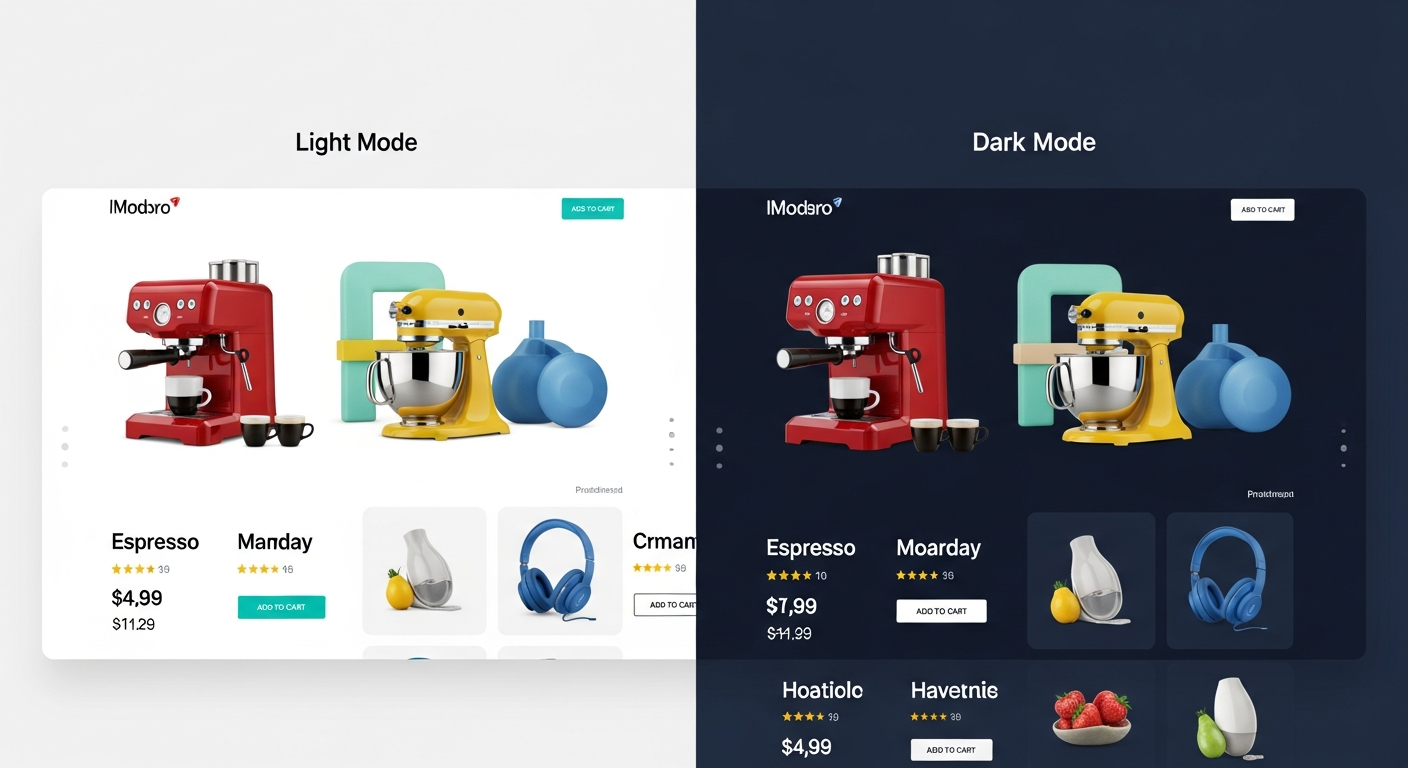
Dark mode has gone from a developer preference to a mainstream user expectation. Over eighty percent of smartphone users enable dark mode on their devices, and they expect websites to respect that preference. In 2026, adaptive theming — where your store automatically adjusts its color scheme based on the user's system settings — is becoming standard.
Why Dark Mode Matters for Ecommerce
- Reduced eye strain: Shoppers browsing at night (which is a significant share of mobile traffic) have a more comfortable experience
- Battery savings: On OLED screens (most modern phones), dark backgrounds consume less battery
- Premium perception: Dark interfaces with carefully chosen accent colors feel high-end and luxurious — ideal for fashion, jewelry, electronics, and lifestyle brands
- Accessibility: Some users with visual impairments find dark mode easier to read
How to Apply This
While full dark mode support requires theme-level changes, you can start by ensuring your store's colors work well on both light and dark backgrounds. Use the CSS prefers-color-scheme media query to detect the user's preference:
@media (prefers-color-scheme: dark) {
  body { background: #0f172a; color: #e2e8f0; }
  .product-card { background: #1e293b; }
}
When choosing a BigCommerce theme, look for ones that offer dark variant options or are built with CSS custom properties (variables) that make color scheme switching straightforward. PapaThemes' modern themes use CSS custom properties for all colors, making it easier to create adaptive color schemes.
6. Headless and Composable Commerce Architecture
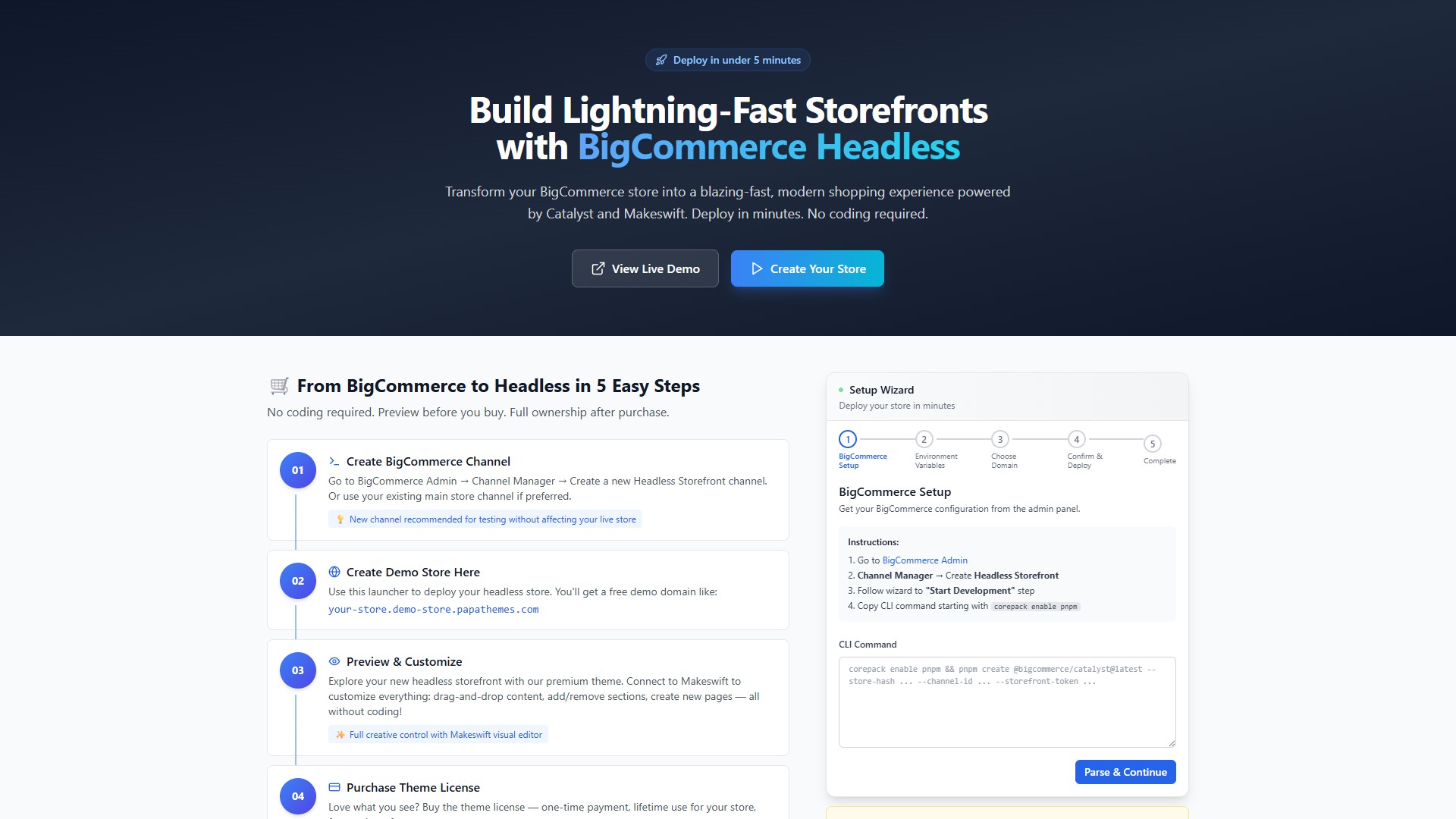
Headless commerce — where the frontend (what shoppers see) is decoupled from the backend (where data lives) — has moved from enterprise-only to accessible for mid-market stores. In 2026, the composable commerce approach is gaining traction, where stores pick best-of-breed solutions for each function and connect them via APIs.
Why Headless Matters for Design
Traditional ecommerce platforms limit your design to what the theme system supports. With headless, your frontend is completely custom — built with modern frameworks like Next.js or React. This means:
- Complete design freedom: No template constraints. Every pixel is yours to control.
- Near-instant page loads: Static generation and edge rendering deliver sub-second load times.
- Omnichannel consistency: The same design system powers your website, mobile app, in-store kiosks, and even smart displays.
- Future-proof architecture: Add new channels or technologies without rebuilding your store.
How to Apply This
BigCommerce offers robust headless commerce solutions with Catalyst, their official headless storefront framework built on Next.js. It comes with pre-built commerce components — product cards, cart, checkout — so you are not starting from scratch.
For teams that want the performance benefits of headless without the complexity, PapaThemes offers the Catalyst Launcher. It lets you deploy a headless BigCommerce storefront in under five minutes with no coding required. You get the speed advantages of headless (Lighthouse scores consistently above 95) with the design quality PapaThemes is known for.
Headless is not for everyone — small stores with simple needs may not benefit enough to justify the switch. But if you are hitting the limits of your theme, dealing with high traffic, or selling across multiple channels, it is worth serious consideration.
7. Inclusive and Accessible Design
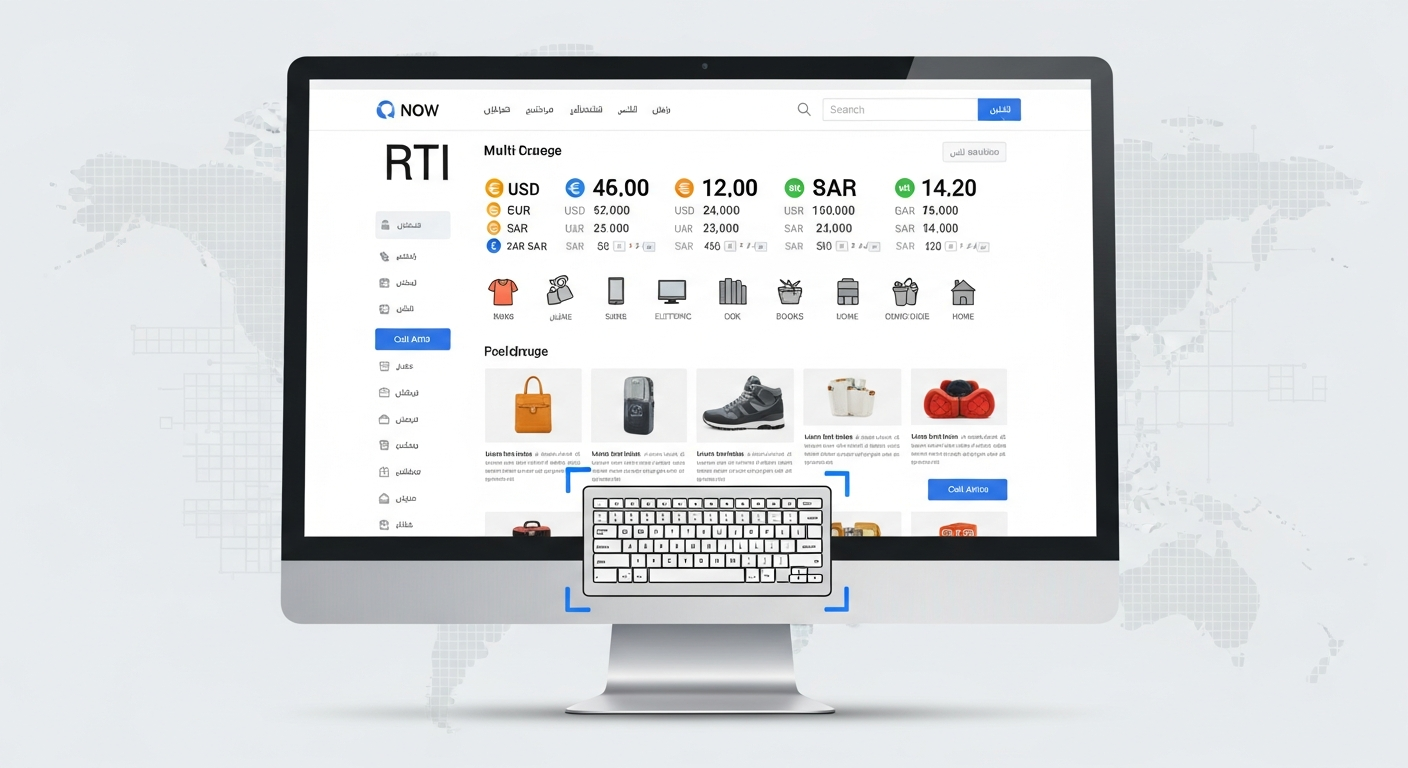
Inclusive design is not just a moral imperative — it is a business strategy. Over one billion people worldwide have some form of disability, and stores that are inaccessible are leaving money on the table. In 2026, accessibility is also increasingly becoming a legal requirement, with the European Accessibility Act (EAA) taking effect and ADA lawsuits in the US reaching record numbers.
Key Accessibility Principles
- Keyboard navigation: Every interactive element must be reachable and usable with a keyboard alone
- Screen reader compatibility: Proper ARIA labels, semantic HTML, and alt text for all images
- Color contrast: Text must have a contrast ratio of at least 4.5:1 against its background
- Focus indicators: Visible focus styles for all interactive elements (do not remove the outline)
- Responsive text: Users must be able to zoom to 200% without breaking the layout
Beyond Disability: Global Inclusivity
Inclusive design also means designing for a global audience:
- RTL (Right-to-Left) support: Essential for stores targeting Arabic, Hebrew, or Farsi-speaking markets. With Ramadan currently active across the Middle East, stores with RTL support are better positioned to capture seasonal demand from the UAE, Saudi Arabia, Qatar, and beyond.
- Multi-currency display: Shoppers in Europe, Australia, and the Middle East expect to see prices in their local currency.
- Multi-language readiness: Content that can be translated and displayed without breaking layouts.
- GDPR compliance: European customers expect clear cookie consent, data transparency, and privacy-respecting experiences.
How to Apply This
PapaThemes BigCommerce themes are built with accessibility and internationalization in mind. Many themes include RTL layout support, multi-currency compatibility, and proper semantic markup. Combined with BigCommerce's built-in multi-currency and multi-language features, you can serve a truly global audience.
Start with an accessibility audit using Google Lighthouse's accessibility score or the WAVE tool. Focus on fixing the highest-impact issues first: image alt text, form labels, color contrast, and keyboard navigation.
Putting It All Together: Your 2026 Design Action Plan
These seven trends are not isolated — they intersect and reinforce each other. AI personalization works best on mobile-first designs. Headless architecture enables better micro-animations and video performance. Accessible design benefits everyone, not just users with disabilities.
Here is a prioritized action plan:
This Week
- Audit your store's mobile experience on a real phone
- Add alt text to all product images
- Test your search experience — does it understand intent or just match keywords?
This Month
- Explore PapaSearch for AI-powered search
- Add product videos to your top 10 sellers
- Run a Lighthouse accessibility audit and fix critical issues
- Evaluate your theme — does it support these trends, or is it holding you back?
This Quarter
- Consider upgrading to a modern PapaThemes theme with built-in support for micro-animations, mobile-first design, and accessibility
- Investigate headless commerce with Catalyst Launcher if speed and design freedom are priorities
- Build a video content strategy for product pages and social media
- Implement dark mode or adaptive theming for your most engaged audience segments
Conclusion
The stores that will win in 2026 are not just the ones with the best products — they are the ones that deliver the best experiences. AI-powered personalization, mobile-first design, interactive animations, video storytelling, adaptive theming, composable architecture, and inclusive accessibility are not optional extras. They are the new baseline.
The good news? You do not need to implement everything at once. Start with the trends that align most closely with your current challenges and customer needs. If your mobile conversion rate is lagging, focus on mobile-first design. If search is a pain point, try AI-powered search. If you are expanding internationally, prioritize accessibility and inclusivity.
Every improvement compounds. A faster, more personalized, more accessible store does not just look better — it converts better, ranks higher, and builds the kind of trust that turns first-time visitors into lifelong customers.
Ready to Redesign for 2026?
Explore 44+ BigCommerce themes built with the latest design trends, AI-powered tools, and accessibility in mind
Browse Modern Themes → Try PapaSearch AIFrequently Asked Questions
What are the biggest ecommerce design trends for 2026?
The seven most impactful trends are AI-powered search and personalization, mobile-first and thumb-friendly design, micro-animations and interactive product experiences, video-first product storytelling, dark mode and adaptive theming, headless and composable commerce, and inclusive accessible design. These trends are driven by evolving consumer expectations, new technologies, and search engine requirements like Google's Core Web Vitals.
How can I add AI personalization to my BigCommerce store?
The most straightforward approach is to install an AI-powered search and recommendation tool. PapaSearch by PapaThemes offers semantic search that understands shopper intent, providing instant results as customers type. For broader page customization, PapaThemes AI Widgets lets you create AI-powered page sections, popups, and product showcases using natural language descriptions — no coding required.
Is headless commerce worth it for a small BigCommerce store?
For most small stores, a well-optimized traditional theme provides excellent performance without the added complexity of headless. Headless commerce (using frameworks like BigCommerce Catalyst) makes the most sense for stores with high traffic, complex multi-channel needs, or requirements for complete design freedom. PapaThemes' Catalyst Launcher makes headless more accessible by simplifying deployment, but evaluate whether the benefits justify the change for your specific situation.
How important is mobile-first design for ecommerce in 2026?
Extremely important. Over sixty-five percent of ecommerce traffic comes from mobile devices, and Google uses mobile-first indexing, meaning your mobile site determines your search rankings. Stores that treat mobile as an afterthought see higher bounce rates, lower conversion rates, and worse SEO performance compared to those designed mobile-first.
How do I make my BigCommerce store more accessible?
Start with an audit using Google Lighthouse or the WAVE tool to identify issues. The highest-priority fixes are adding alt text to all images, ensuring sufficient color contrast (4.5:1 ratio minimum), making all interactive elements keyboard-accessible, and using proper semantic HTML. PapaThemes BigCommerce themes are built with accessibility best practices, including proper ARIA labels, semantic markup, and support for RTL languages and multi-currency display.


