

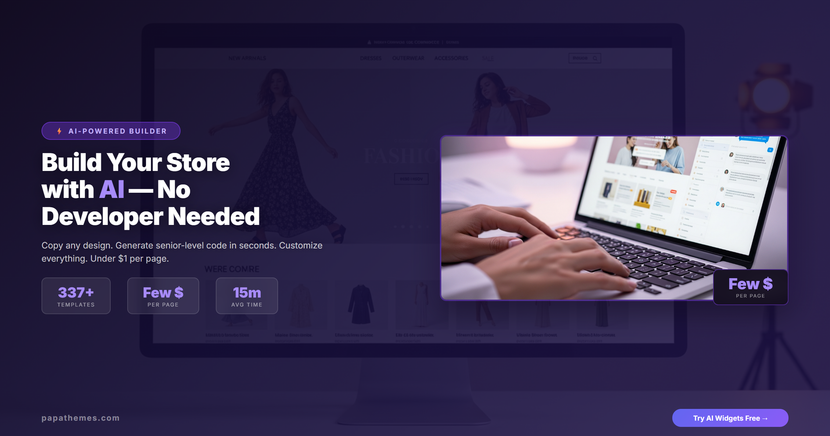
How to Build a Complete BigCommerce Store with AI — No Developer Needed
AI-Powered Store Builder
Build Any Page You Can Imagine — In Minutes
337+ templates, 3 AI models, senior-level code. Pay only for what you use.
Try AI Widgets Free →What if you could build a complete, professional BigCommerce store — with the code quality of a senior developer — in an afternoon instead of weeks? And pay just a few dollars instead of thousands?
That is exactly what PapaThemes AI Widgets makes possible. Whether you have a crystal-clear design vision, a mood board of collected ideas, or a competitor's website you want to replicate and improve, AI Widgets turns your inspiration into production-ready code in minutes.
In this guide, you will learn the complete workflow: from gathering design inspiration to having a finished, custom-built BigCommerce store — without writing a single line of code yourself.
Why AI Beats Hiring a Developer (And It Is Not Even Close)
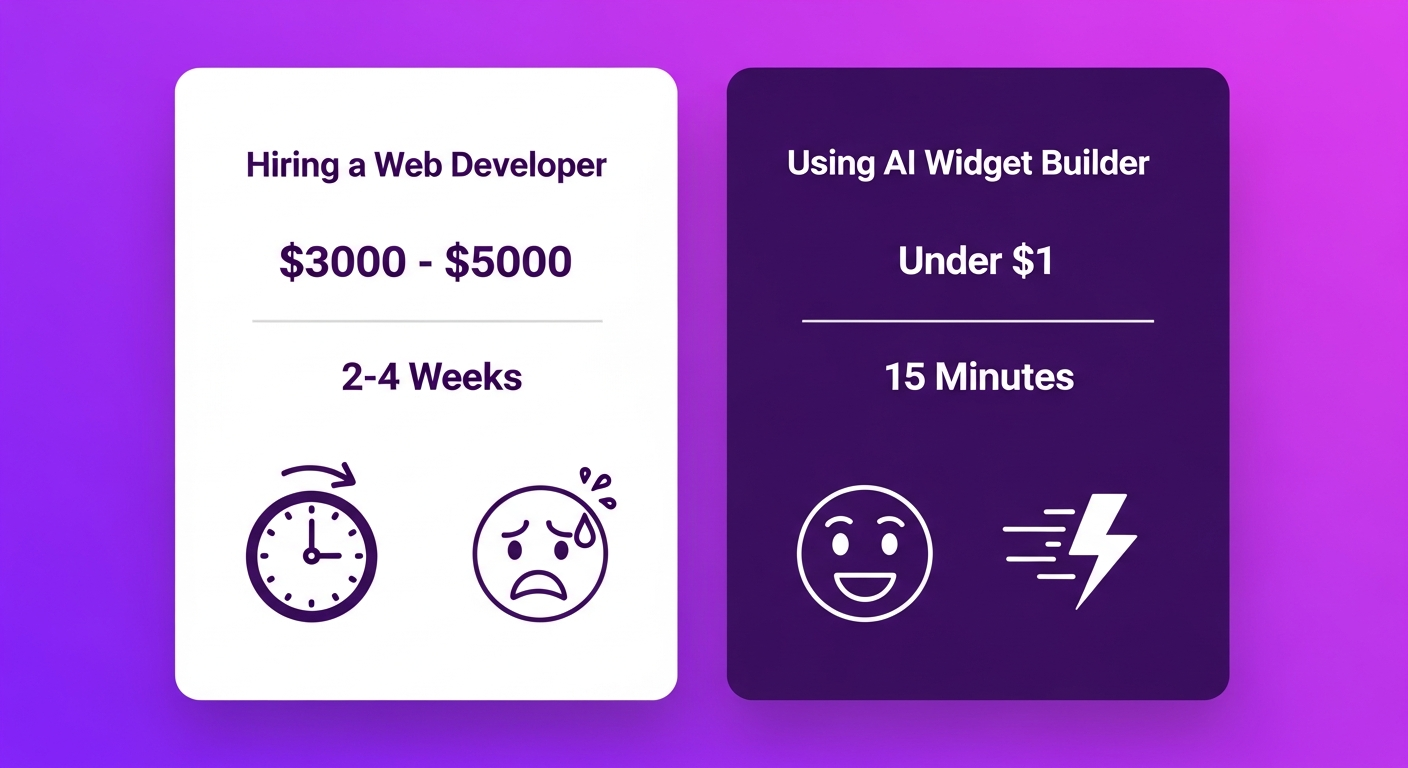
Let us start with the numbers that matter.
Hiring a freelance developer:
- Cost: $2,000–$5,000 for a custom homepage
- Timeline: 2–4 weeks of back-and-forth revisions
- Communication overhead: Endless email threads explaining what you want
- Risk: The final result may not match your vision
- Ongoing cost: Every future change requires another invoice
Using PapaThemes AI Widgets:
- Cost: Just a few dollars for a complete page (pay-per-token, starting at $24/1M tokens)
- Timeline: 15–30 minutes from idea to finished page
- Communication: Just describe what you want in plain English
- Risk: Instant preview — regenerate if it does not match
- Ongoing cost: Customize anytime for a few dollars
The AI generates code at the level of an experienced frontend developer. We are talking clean, responsive HTML and CSS that works flawlessly on mobile, tablet, and desktop. Scoped styles that will never conflict with your existing theme. Production-ready code — not prototype junk.
And here is the kicker: you can switch between three AI models depending on complexity. Quick text edit? Use Mini at $24/1M tokens. Complex multi-section hero banner? Use Max with extended thinking at $108/1M tokens. You only pay for the intelligence you need.
The Complete Workflow: Inspiration to Finished Store
Here is how real store owners use AI Widgets to build complete, beautiful BigCommerce pages.
Step 1: Gather Your Design Inspiration

Every great store starts with inspiration. You do not need to be a designer — you just need to know what you like. Here is where to look:
Browse real stores for ideas:
- Visit competitor stores and screenshot sections you admire
- Check out Dribbble, Behance, and Pinterest for ecommerce design trends
- Save screenshots of hero banners, product grids, testimonial sections, and footers
- Look at stores outside your niche for fresh layout ideas
Collect design elements:
- Color palettes that match your brand
- Font combinations you find appealing
- Layout patterns (full-width hero, two-column product grid, masonry gallery)
- Interactive elements (hover effects, carousels, countdown timers)
Use PapaThemes' template library for a head start:
- Browse 337+ pre-made section templates right inside the app
- Filter by category: hero banners, product showcases, testimonials, FAQ, forms
- Preview each template and use it as-is or as a starting point for AI customization
Pro tip: create a simple document or folder with your saved screenshots. The more visual references you collect, the better AI can understand your vision.
Step 2: Let AI Generate the Code — Three Powerful Methods
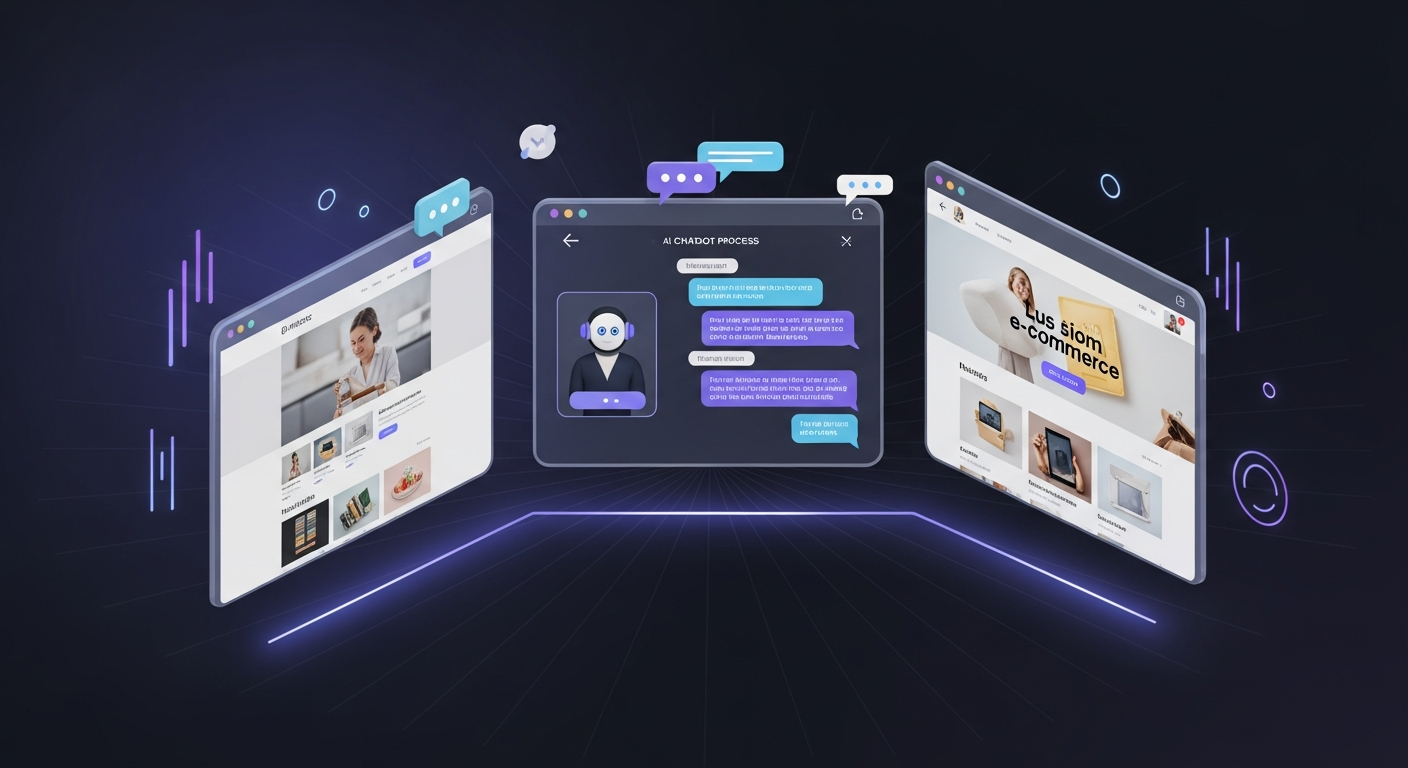
This is where the magic happens. AI Widgets gives you three distinct ways to turn ideas into reality:
Method A: Describe Your Vision in Plain English
Open the AI HTML Widget and simply type what you want. Be as descriptive as you like:
"Create a luxury fashion hero banner with a full-width background image placeholder, overlaid with a semi-transparent dark gradient. Add a large elegant heading that says 'Spring Collection 2026' in a serif font, a subheading 'Timeless Elegance Meets Modern Style', and a gold call-to-action button that says 'Shop Now'. Make it 600px tall on desktop and 400px on mobile."
The AI processes your description and generates complete, responsive HTML and CSS in seconds. The code is:
- Responsive — automatically adapts to mobile, tablet, and desktop
- Scoped — styles are encapsulated so they never break your existing theme
- Production-ready — clean, semantic HTML that a senior developer would be proud of
Method B: Paste a Screenshot or Design Mockup
Have a website section you love? Screenshot it and paste it directly into the AI chat. The AI analyzes the visual and generates matching code:
- Screenshot any website section you admire (a hero banner, product grid, testimonial slider)
- Paste the image into the AI Widget chat
- Add a brief description: "Recreate this design for my BigCommerce store. Use my brand colors #2d3436 and #6c5ce7 instead."
- AI generates pixel-accurate code that matches the layout, spacing, and visual hierarchy
This is incredibly powerful. You can literally browse any website, screenshot the sections you like, and have AI recreate them for your store — with your own branding and content.
Method C: Start from a Template and Customize
For those who prefer a structured starting point:
- Browse the 337+ template library inside AI Widgets
- Pick a section template that is close to what you want
- Click to apply it to your page
- Open AI chat and request changes: "Change the background to a gradient from navy to purple. Make the heading larger. Add a countdown timer below the button."
Each method produces the same result: clean, responsive, professional code. Choose whichever feels most natural to you — or combine all three for different sections of your page.
Step 3: Customize Everything with AI Chat
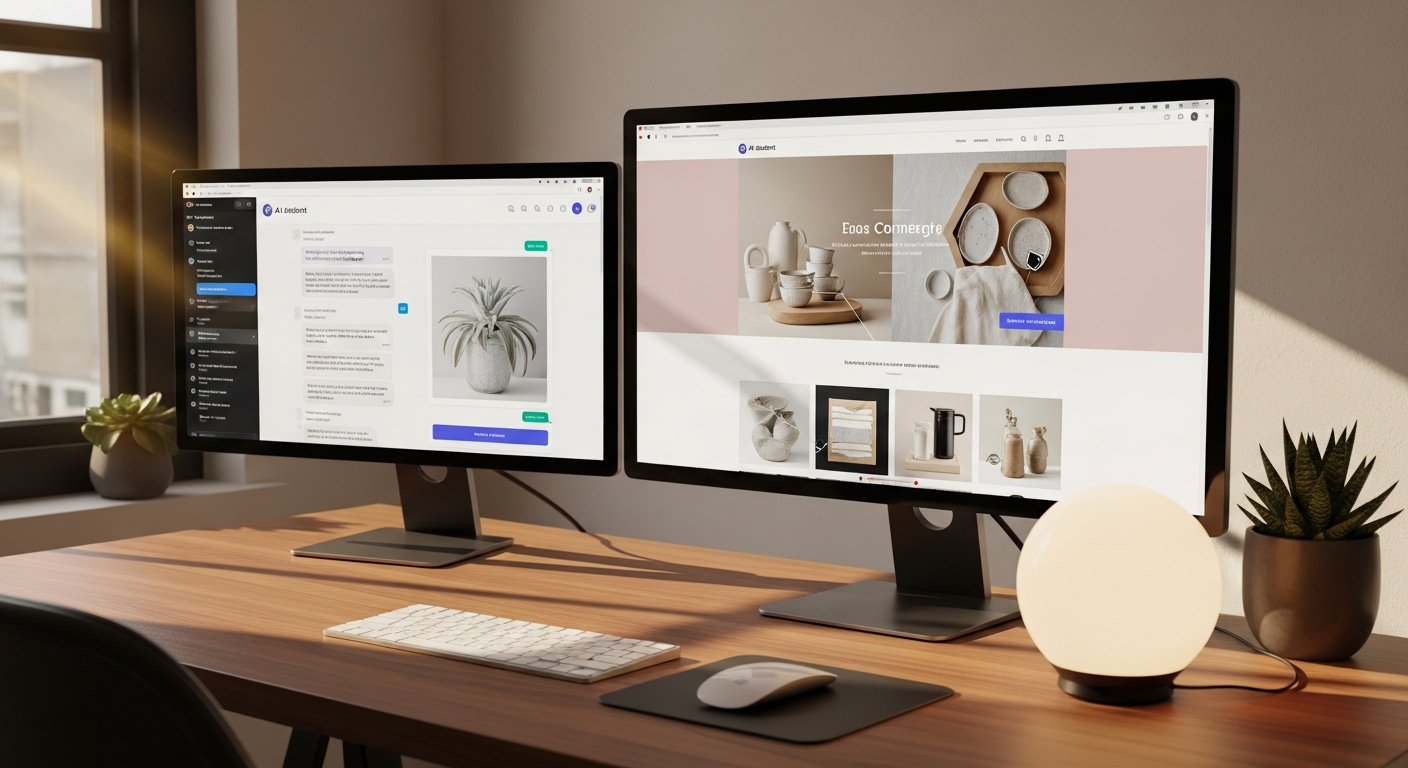
Your first AI-generated result will be impressive. But the real power is in the iterative customization. Just keep chatting with the AI to refine every detail:
Layout adjustments:
"Make the product grid 3 columns on desktop and 1 column on mobile" "Add more padding between sections" "Move the testimonials section above the product grid"
Visual styling:
"Change all buttons to rounded with a hover glow effect" "Use a dark color scheme with gold accents" "Add a subtle parallax scroll effect to the hero image"
Content and functionality:
"Add a newsletter signup form with email validation" "Create an FAQ accordion with 5 questions about shipping and returns" "Build a countdown timer for our weekend sale ending Sunday at midnight"
Advanced customizations:
"Add a sticky header that appears when users scroll down" "Create a product comparison table with 3 columns" "Build an interactive size guide popup"
Every change happens instantly. No waiting for a developer to get back to you. No miscommunication. No billable hours. Just describe what you want and watch it appear.
Step 4: Build Complete Pages Section by Section
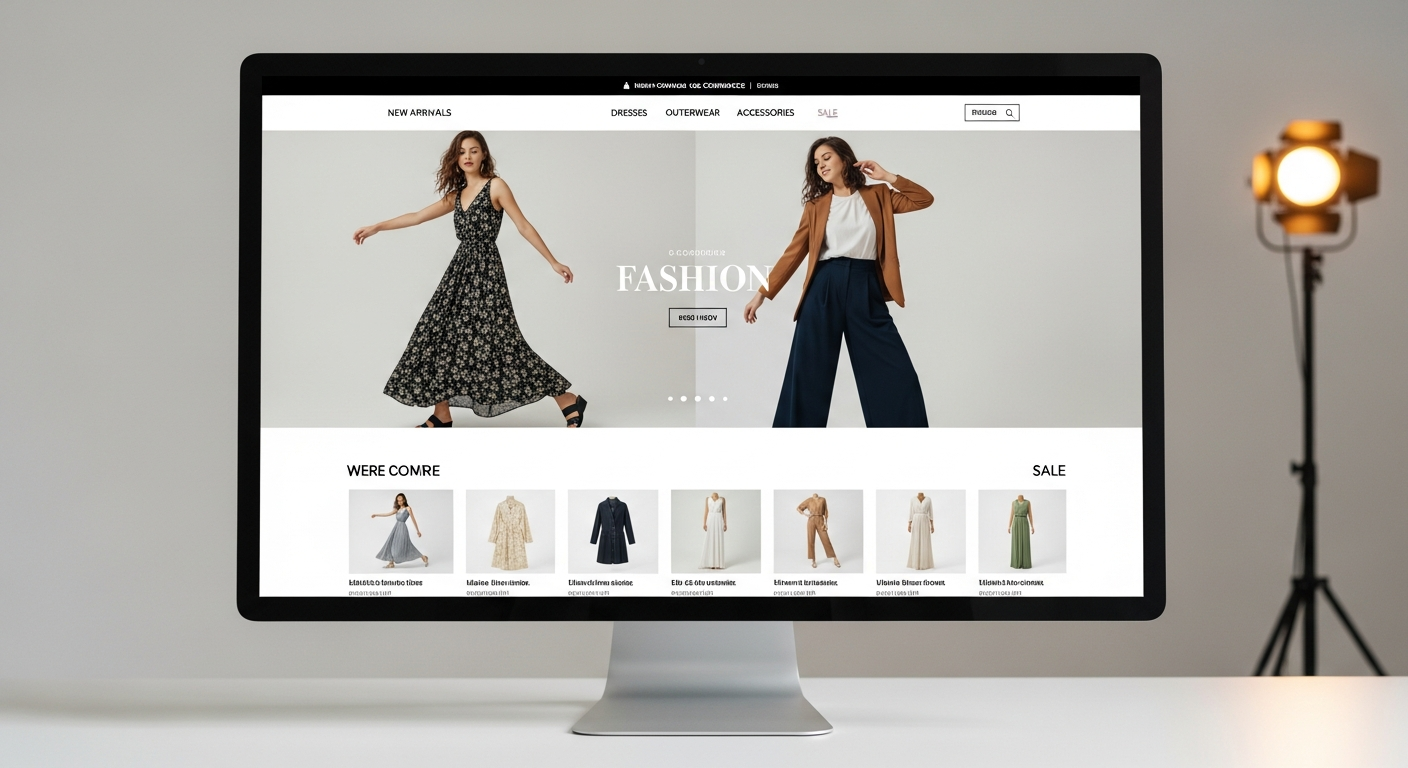
Now you understand the workflow. Let us put it together and build a complete homepage:
Hero Section — Use Method B. Screenshot a hero banner you love, paste it, and tell AI your brand colors and messaging.
Product Showcase — Use Method C. Pick a product grid template from the library, then customize: "Show 8 products in a 4-column grid with hover zoom effect and quick-add-to-cart buttons."
Trust Badges — Use Method A. Describe: "Create a row of 4 trust badges: free shipping, 30-day returns, secure payment, 24/7 support. Use icons with text below. Light gray background."
Testimonials — Use Method B. Screenshot a testimonial slider you like from another site. Paste and say: "Recreate this for my store with 5 review cards in a carousel."
Newsletter Signup — Use the AI Form Builder. Say: "Create a newsletter signup form with email field, first name field, and a submit button. Purple gradient background, white text."
FAQ Section — Use Method A. "Build an FAQ accordion with 6 questions about our shipping policy, return policy, and product care instructions."
Each section takes 5–15 minutes. A complete homepage? Done in an afternoon. And every line of code is clean, responsive, and ready for production.
Step 5: Forms, Popups, and Interactive Elements
AI Widgets is not just about static pages. The dedicated AI Form Builder creates any form you can imagine:
- Contact forms with built-in email delivery (via BigCommerce GraphQL API)
- Custom SMTP support for full email control
- Order inquiry forms for B2B stores
- Event registration forms
- Customer feedback surveys
- Warranty claim forms
Plus 22 pre-made form templates and 22 popup templates for:
- Exit-intent popups with discount offers
- Welcome mat overlays for new visitors
- Announcement bars for sales and promotions
- Cookie consent banners
Everything includes automatic spam protection (honeypot fields, reCAPTCHA), validation, and accessibility features.
Real Cost Breakdown: Senior Developer Code for Pennies
Let us do the math for a typical homepage build:
| Section | Complexity | AI Model | Estimated Cost |
|---|---|---|---|
| Hero Banner | Medium | Standard | ~$0.08 |
| Product Grid | Medium | Standard | ~$0.06 |
| Trust Badges | Simple | Mini | ~$0.02 |
| Testimonials | Medium | Standard | ~$0.07 |
| Newsletter Form | Simple | Mini | ~$0.02 |
| FAQ Accordion | Simple | Mini | ~$0.03 |
| Total Homepage | ~$0.28 |
That is the cost per AI generation. In practice, you will iterate — adjusting layouts, tweaking colors, regenerating sections. A complete homepage typically costs just a few dollars, with code quality matching a developer charging $100/hour.
And that twenty-eight cents buys you:
- Clean, semantic HTML5
- Responsive CSS with mobile-first design
- Scoped styles (no conflicts with your theme)
- Cross-browser compatible code
- Accessibility best practices baked in
Pricing tiers to match any budget:
| AI Model | Price | Best For |
|---|---|---|
| Mini | $24/1M tokens | Quick edits, simple sections, forms |
| Standard | $66/1M tokens | Most page sections, moderate layouts |
| Max | $108/1M tokens | Complex multi-section designs, extended thinking |
No monthly subscription. No annual contract. Pay only when you use AI. The app itself, all 25+ widgets, and all 337+ templates are completely free.
Pro Tips for Getting the Best Results
1. Be specific in your descriptions. Instead of "make a nice header," say "create a full-width header with a centered logo, hamburger menu on mobile, and a gradient background from dark navy (#1a1a2e) to deep blue (#0f3460)."
2. Use screenshots as references. The AI understands visual context remarkably well. A screenshot plus a few words of guidance produces better results than a paragraph of text alone.
3. Iterate in small steps. Instead of one massive prompt, build your page section by section. Review each piece, then move to the next.
4. Mix methods freely. Use a template for your product grid, a screenshot reference for your hero, and plain text description for your footer. Every section can use a different approach.
5. Save your best sections. Version history automatically saves every change. You can always go back to a previous version if an edit does not work out.
6. Start with the template library. Even if you plan to customize heavily, starting from a template gives AI better context for your design direction.
Who Is This For?
Store owners without coding skills — Build professional pages without hiring anyone. Just describe what you want.
Small teams on a budget — Get developer-quality results without developer-level costs. Reinvest the savings into inventory and marketing.
Agencies managing multiple stores — Build and customize client stores faster. More stores, less time, higher margins.
Developers who value speed — Even experienced developers use AI Widgets to prototype and iterate 10x faster than coding from scratch.
Anyone who has ever been frustrated waiting weeks for a developer to make "just a small change" to their homepage. Now you can do it yourself in minutes.
Get Started Today

Building a complete, custom BigCommerce store has never been easier or more affordable. With PapaThemes AI Widgets, you have a senior developer available 24/7 that:
- Understands plain English descriptions
- Recreates any design from a screenshot
- Generates production-ready responsive code
- Customizes anything through simple conversation
- Costs just a few dollars per page instead of thousands
The future of store building is here. And it speaks your language.
Start Building Your Dream Store — Free
Install AI Widgets for free. All templates included. Pay only for AI usage.
Install AI Widgets Free → Browse 337+ TemplatesFAQ
How much does PapaThemes AI Widgets cost? The app is free to install. All 25+ widgets and 337+ templates are included at no cost. You only pay for AI usage on a pay-per-token basis: Mini model at $24/1M tokens, Standard at $66/1M tokens, and Max at $108/1M tokens. A typical homepage costs just a few dollars to build. No subscriptions or contracts.
Can I really copy a design from another website? Yes. Screenshot any section from any website, paste it into the AI chat, and the AI will generate matching code for your BigCommerce store. You can then customize colors, fonts, spacing, and content to make it your own. The AI recreates the layout and visual design — not copyrighted content.
What kind of code quality does the AI produce? The AI generates clean, semantic HTML5 and CSS that matches senior developer standards. All code is responsive (mobile-first), scoped to avoid style conflicts with your theme, cross-browser compatible, and follows accessibility best practices.
Do I need any coding knowledge? Zero. You interact entirely through natural language — just describe what you want in plain English. The AI handles all the HTML, CSS, and JavaScript. If you know code, you can also manually edit the generated output for even more control.
Does it work with my existing BigCommerce theme? Yes. AI Widgets works with every BigCommerce Stencil theme. All generated code is automatically scoped to prevent style conflicts, so it integrates seamlessly with your current design.


